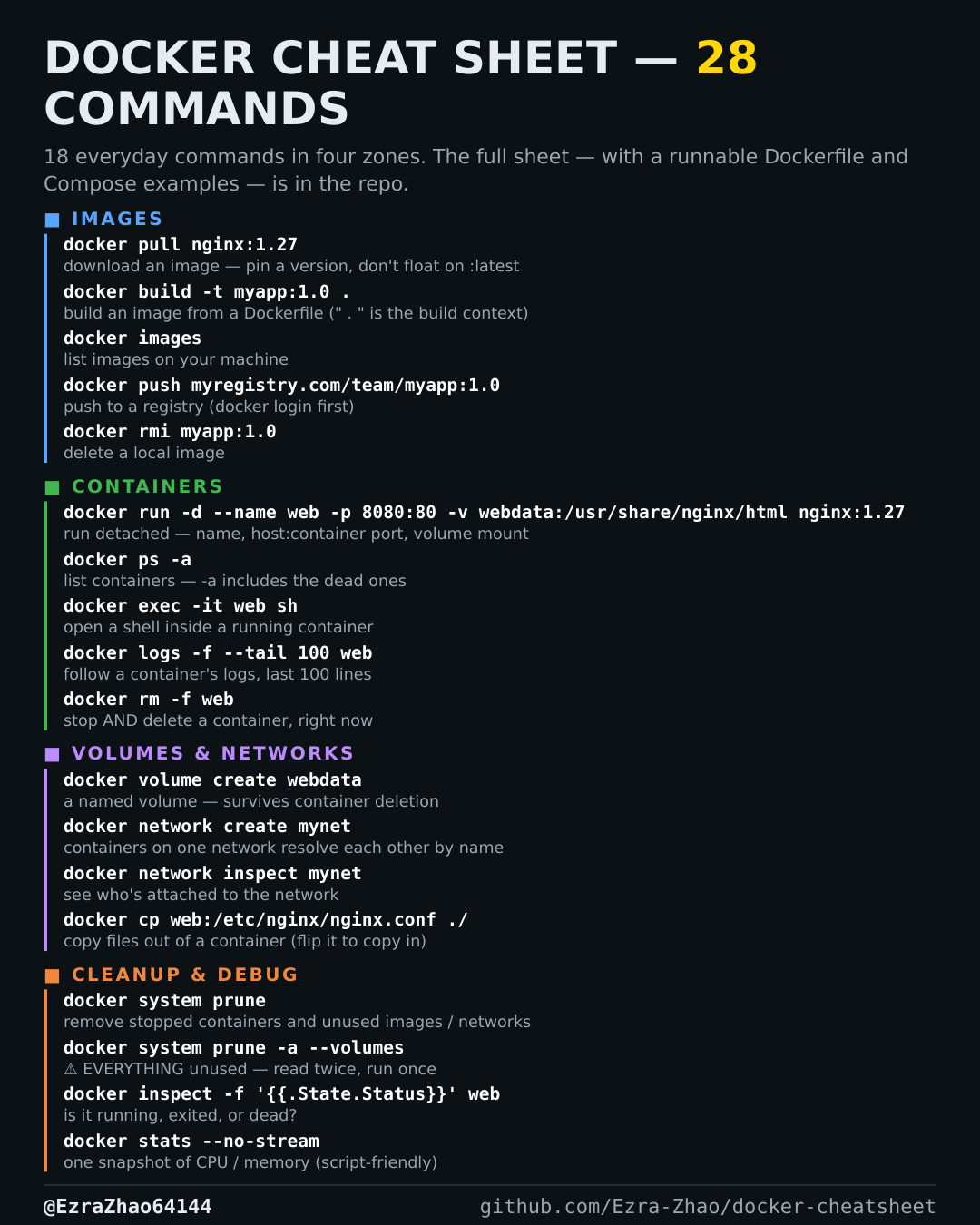
Cheatsheet Pages / Docker Cheatsheet
How to start and stop a multi-container app — docker compose up and down
Your app is more than one container and they should start and stop as one unit.
docker compose up -d        # build (if needed) + start everything, detached
docker compose down         # stop + remove containers/networks (volumes stay)
docker compose down -v      # also delete named volumes — ⚠️ data loss
Good to know
down removes containers and networks but keeps named volumes; down -v deletes the volumes too — that is data loss.