Cheatsheet Pages / FFmpeg Cheatsheet
How to compress a video with FFmpeg — CRF explained
Your video file is too big to upload or send, and you want one number that controls the quality/size trade-off.
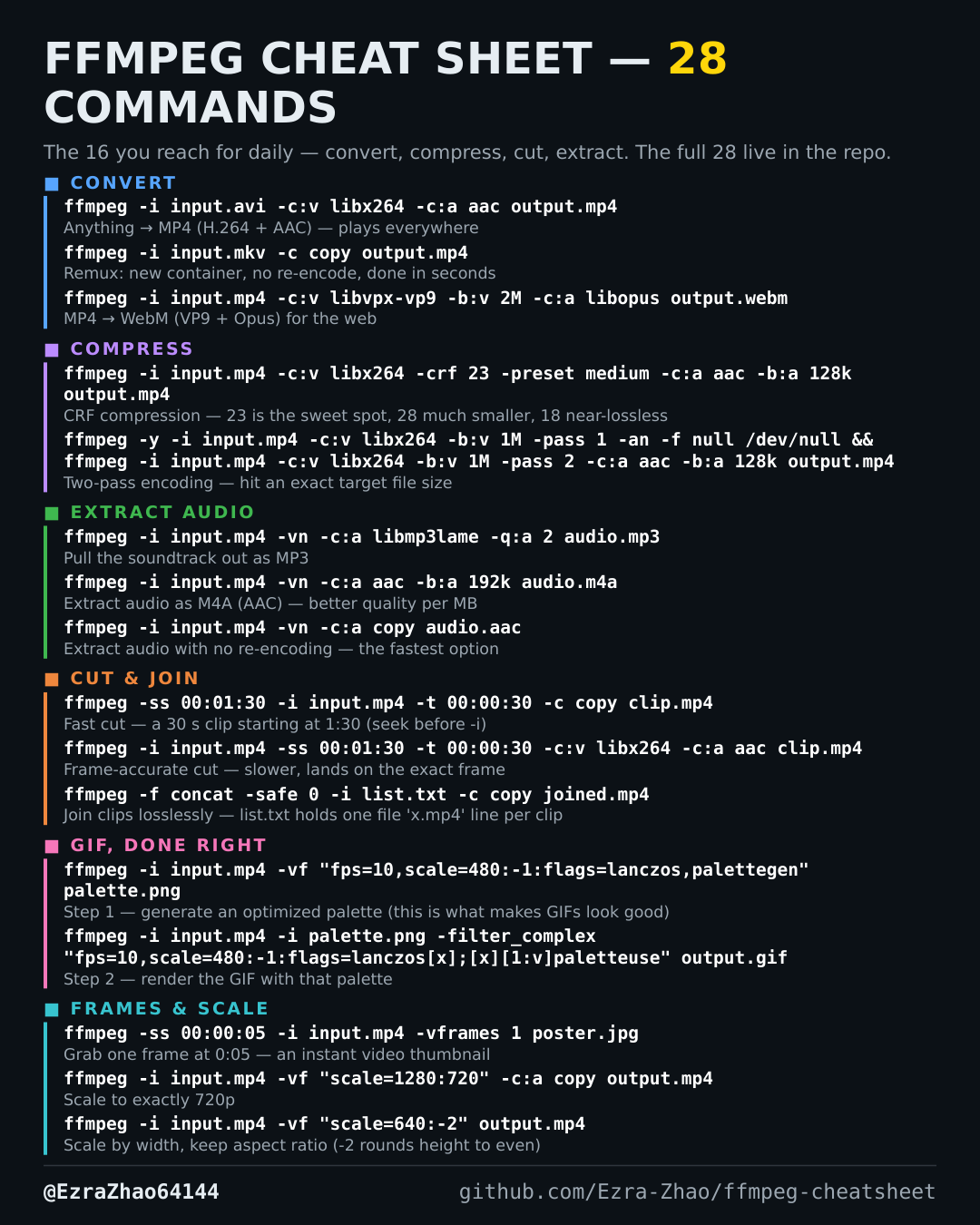
ffmpeg -i input.mp4 -c:v libx264 -crf 23 -preset medium -c:a aac -b:a 128k output.mp4
# try -crf 28 for much smaller files, -crf 18 when quality matters most
Good to know
CRF 18-28 is the useful range: lower means better quality and a bigger file; 23 is the default sweet spot.