Cheatsheet Pages / FFmpeg Cheatsheet
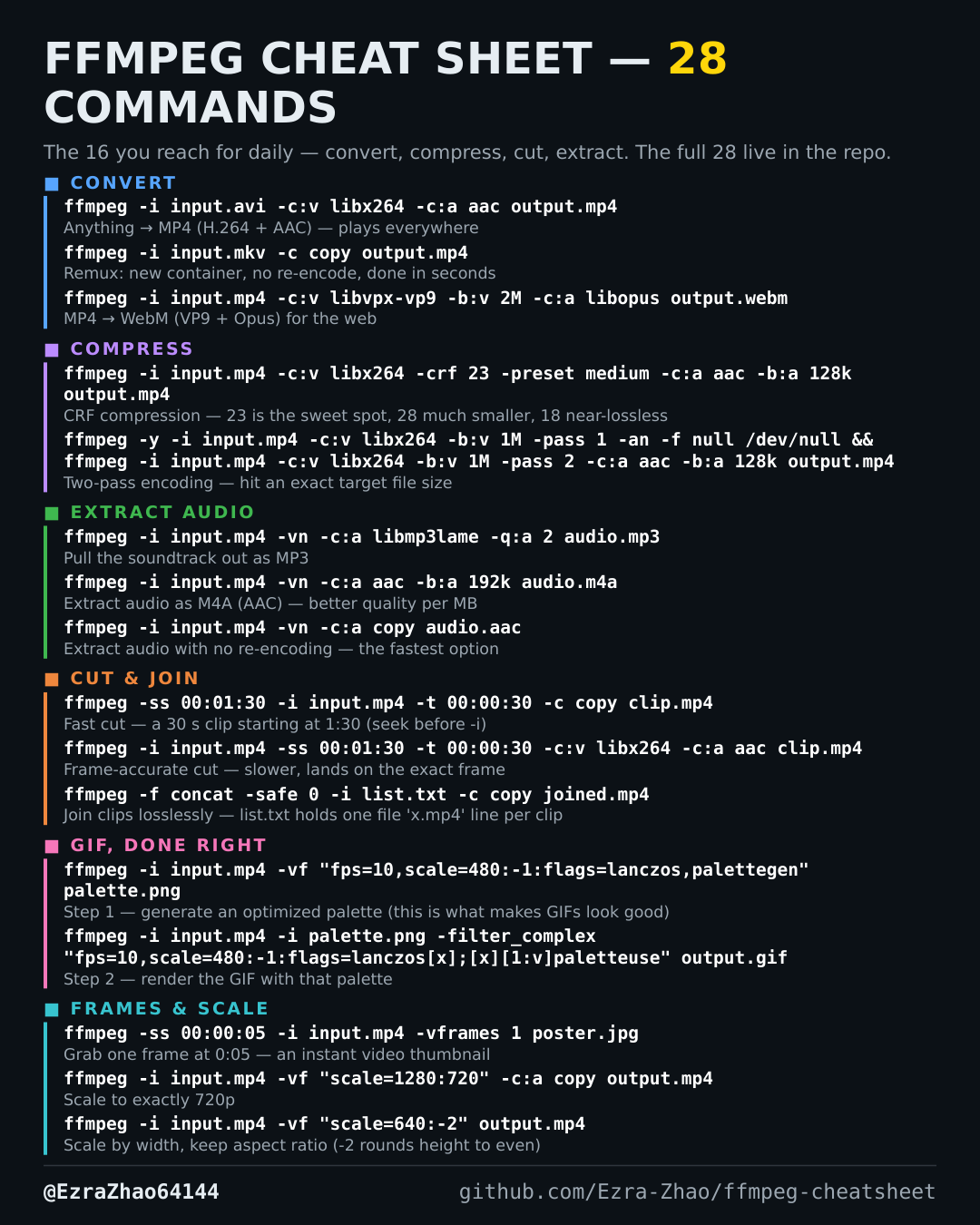
How to turn a video into a good-looking GIF — the ffmpeg palette trick
A plain conversion makes banded, ugly GIFs; a custom palette is what makes them look clean and stay small.
ffmpeg -i input.mp4 -vf "fps=10,scale=480:-1:flags=lanczos,palettegen" palette.png
ffmpeg -i input.mp4 -i palette.png -filter_complex "fps=10,scale=480:-1:flags=lanczos[x];[x][1:v]paletteuse" output.gif
# fps=10 keeps the GIF small; raise it (e.g. 15) for smoother motion
Good to know
Two steps, same input: generate the palette first, then render with it. fps=10 keeps the GIF small; raise it (e.g. 15) for smoother motion.