Cheatsheet Pages / Git Cheatsheet
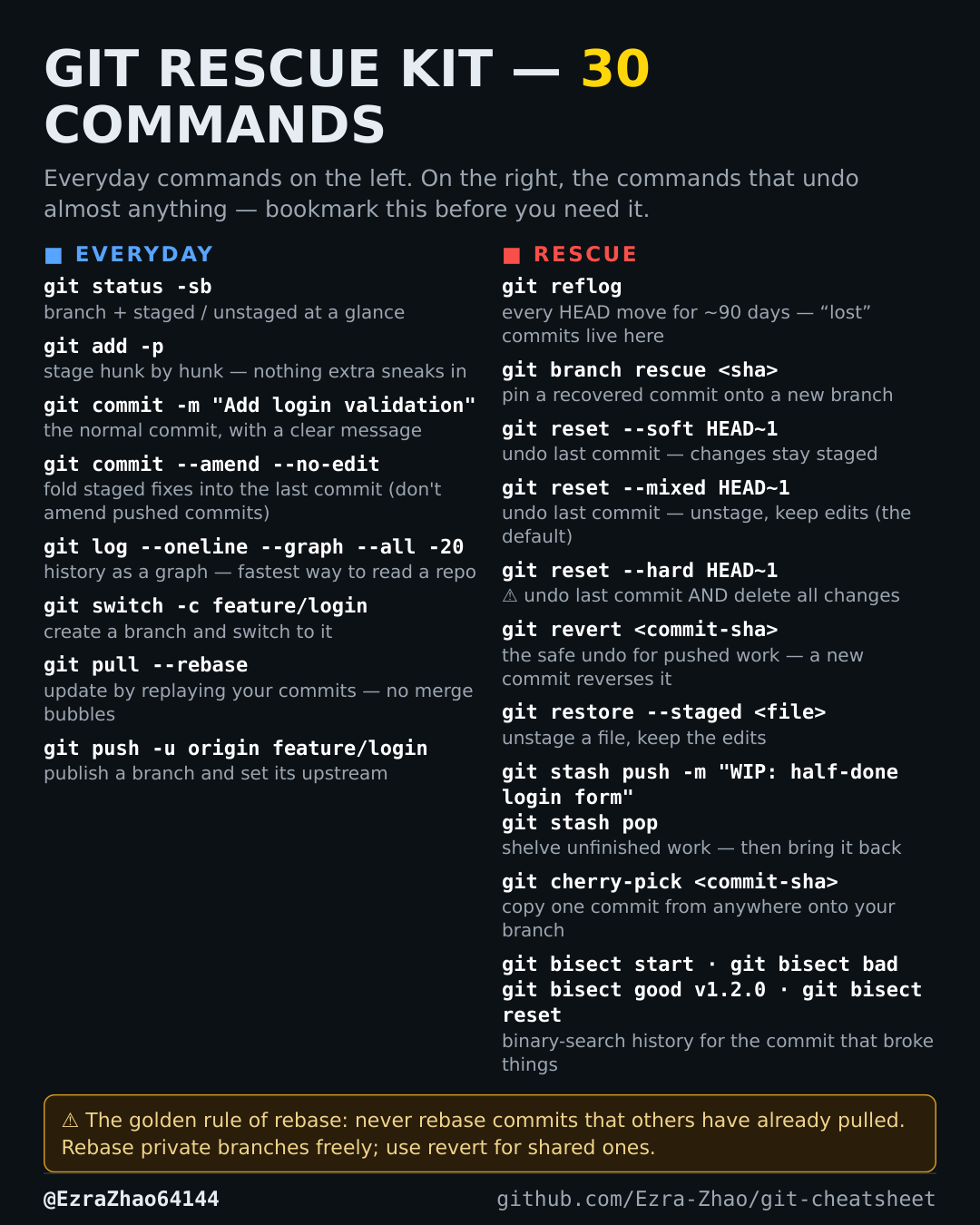
How to view Git history as a graph — git log --oneline --graph
You need to understand how branches diverged without reading pages of log output.
git log --oneline --graph --all -20 # last 20 commits, all branchesGood to know
One line per commit, with branch lines drawn — the fastest way to understand a repo.