Cheatsheet Pages / Git Cheatsheet
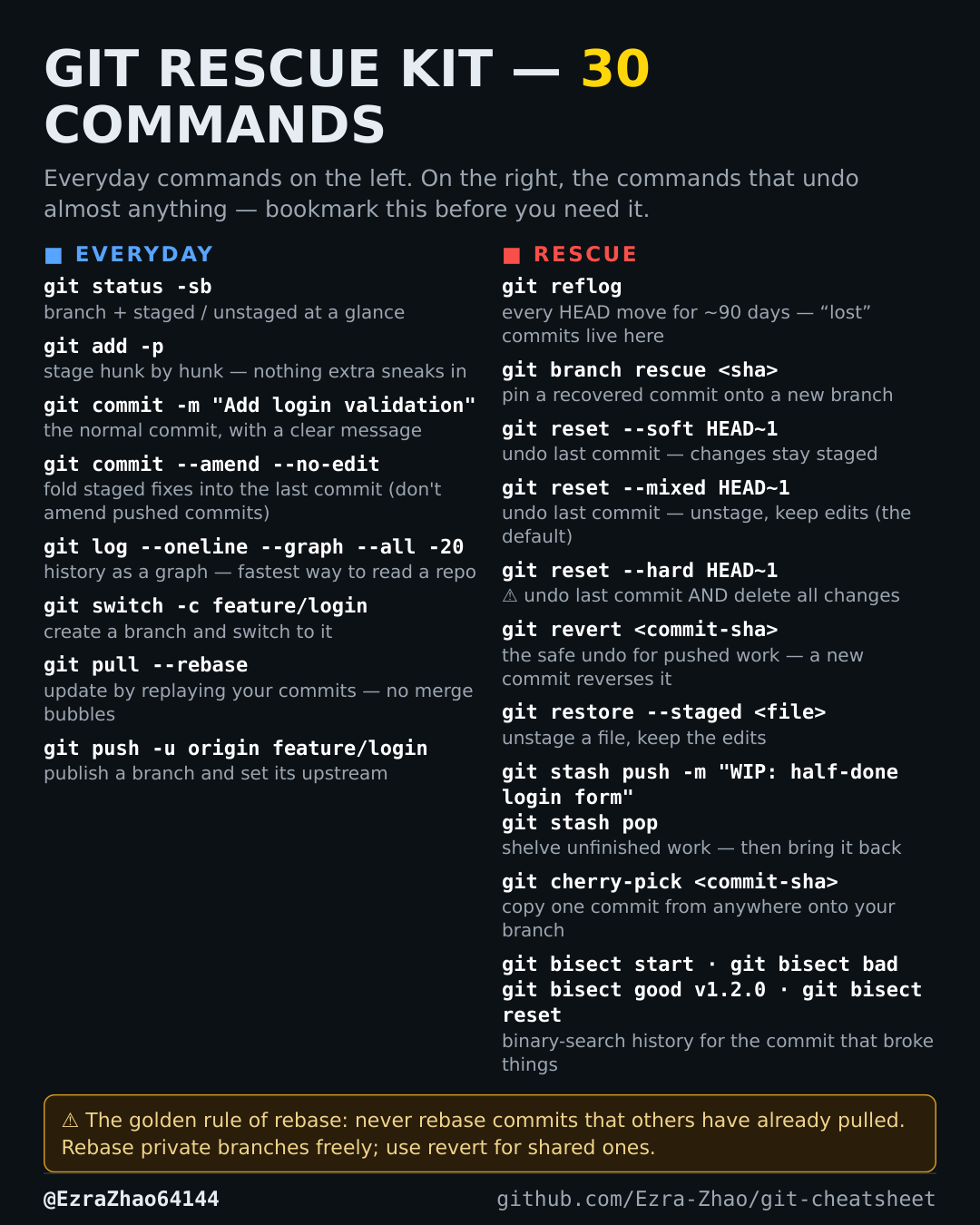
How to recover a lost commit in Git — git reflog
A reset or a deleted branch made a commit disappear — and you need it back.
git reflog                        # find the SHA of the "lost" commit
git checkout <sha>                # inspect it safely (detached HEAD)
git branch rescue <sha>           # or: put it on a new branch to keep it
Good to know
Almost nothing is truly lost: reflog records every move of HEAD for ~90 days.