Cheatsheet Pages / Git Cheatsheet
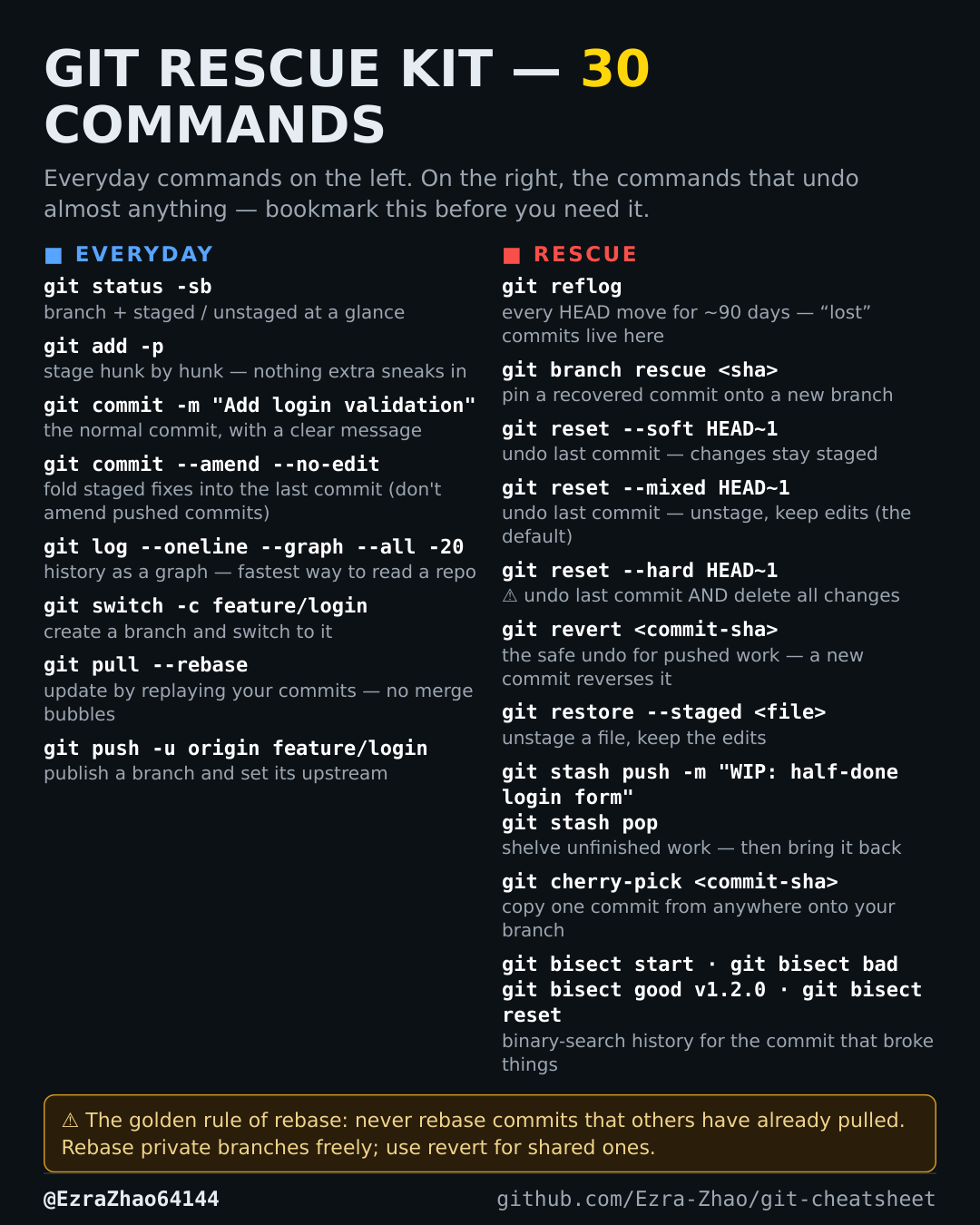
How to stage only part of a file in Git — git add -p
A file contains two separate changes and you only want to commit one of them.
git add -p # walk through each hunk: y = stage, n = skip, s = splitGood to know
Pick exactly which hunks go into the commit — no more committing a file you did not mean to include.