Cheatsheet Pages / kubectl Cheatsheet
How to debug a running pod without restarting it — kubectl debug
A slim container has no shell or tools, and restarting it would destroy the evidence.
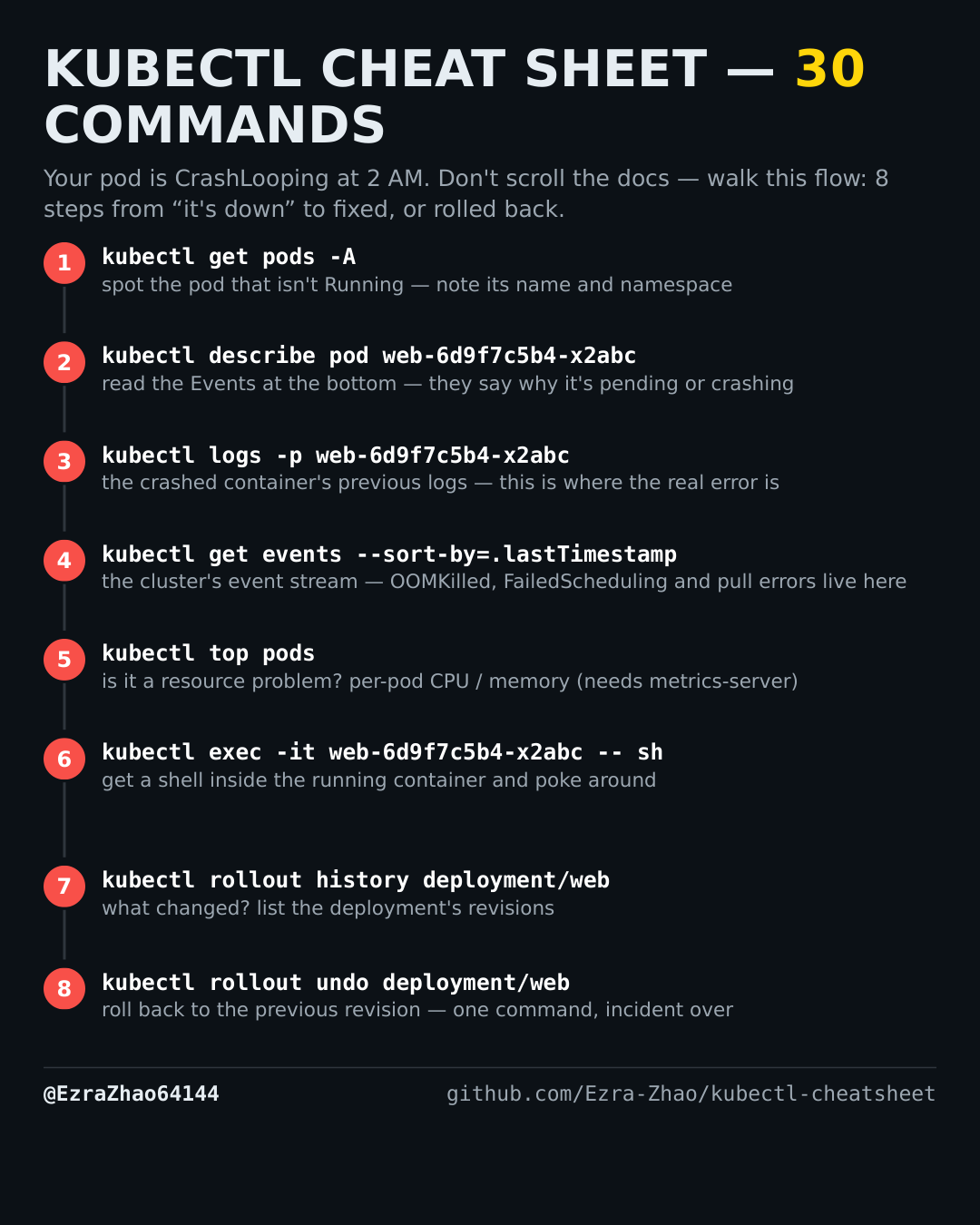
Placeholders follow the cheatsheet: web is a deployment/pod name and app.yaml is your manifest. Most commands act on the current namespace — add -n <ns> to target another one.
kubectl debug -it web-6d9f7c5b4-x2abc --image=busybox:1.36 --target=web
# 1.25+ clusters: ephemeral containers are stable — debug without restarting the pod
kubectl debug node/node-1 --image=busybox:1.36   # node-level debugging shell
Good to know
kubectl debug attaches an ephemeral debug container to a running pod — on 1.25+ clusters ephemeral containers are stable, so you debug without restarting the pod.