Cheatsheet Pages / kubectl Cheatsheet
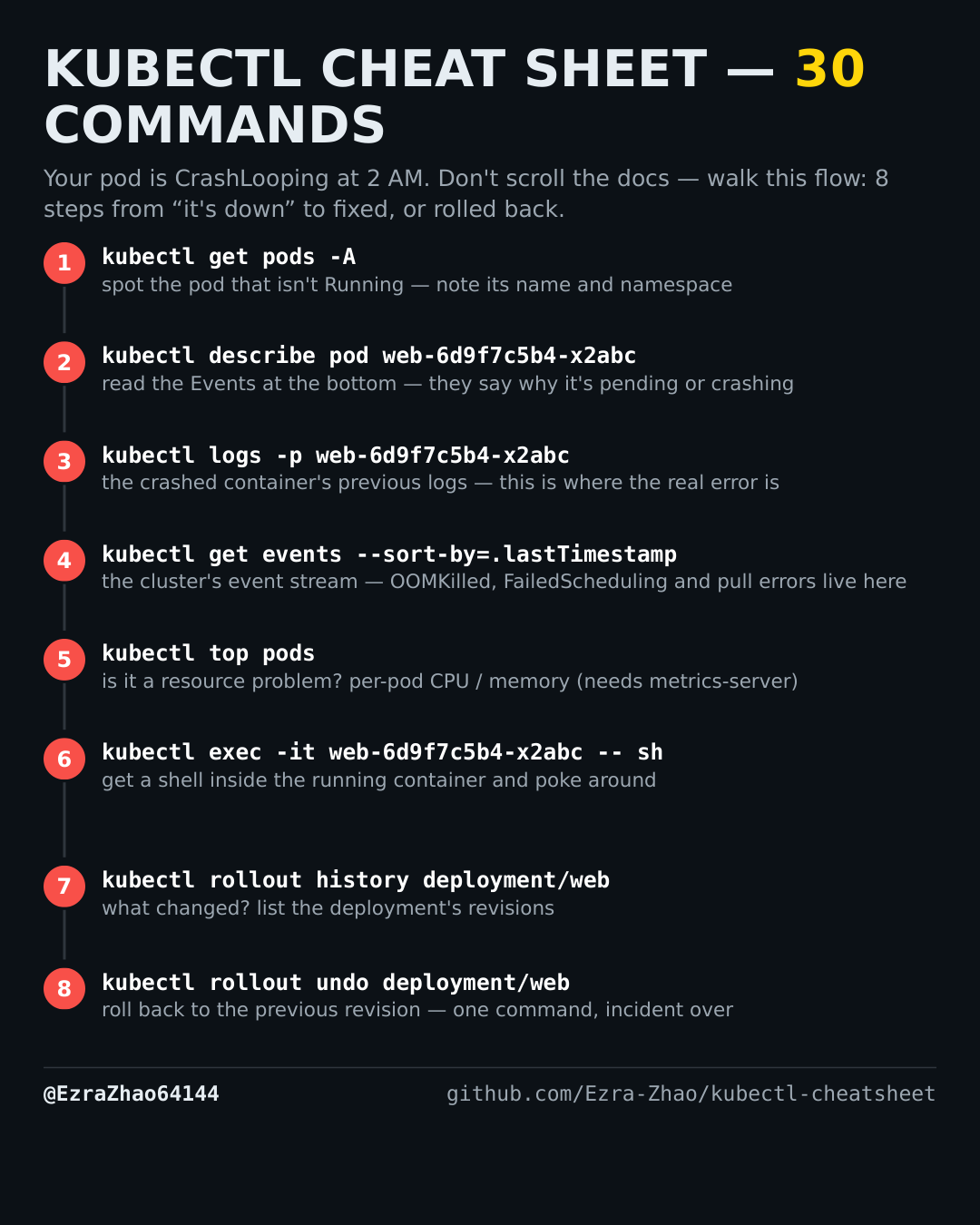
How to see cluster events in order — kubectl get events --sort-by
You want the cluster's own story in time order — scheduling failures, pull errors, OOM kills.
Placeholders follow the cheatsheet: web is a deployment/pod name and app.yaml is your manifest. Most commands act on the current namespace — add -n <ns> to target another one.
kubectl get events --sort-by=.lastTimestamp        # OOMKilled, FailedScheduling, pull errors live here
kubectl get events -n prod --sort-by=.lastTimestamp