Cheatsheet Pages / kubectl Cheatsheet
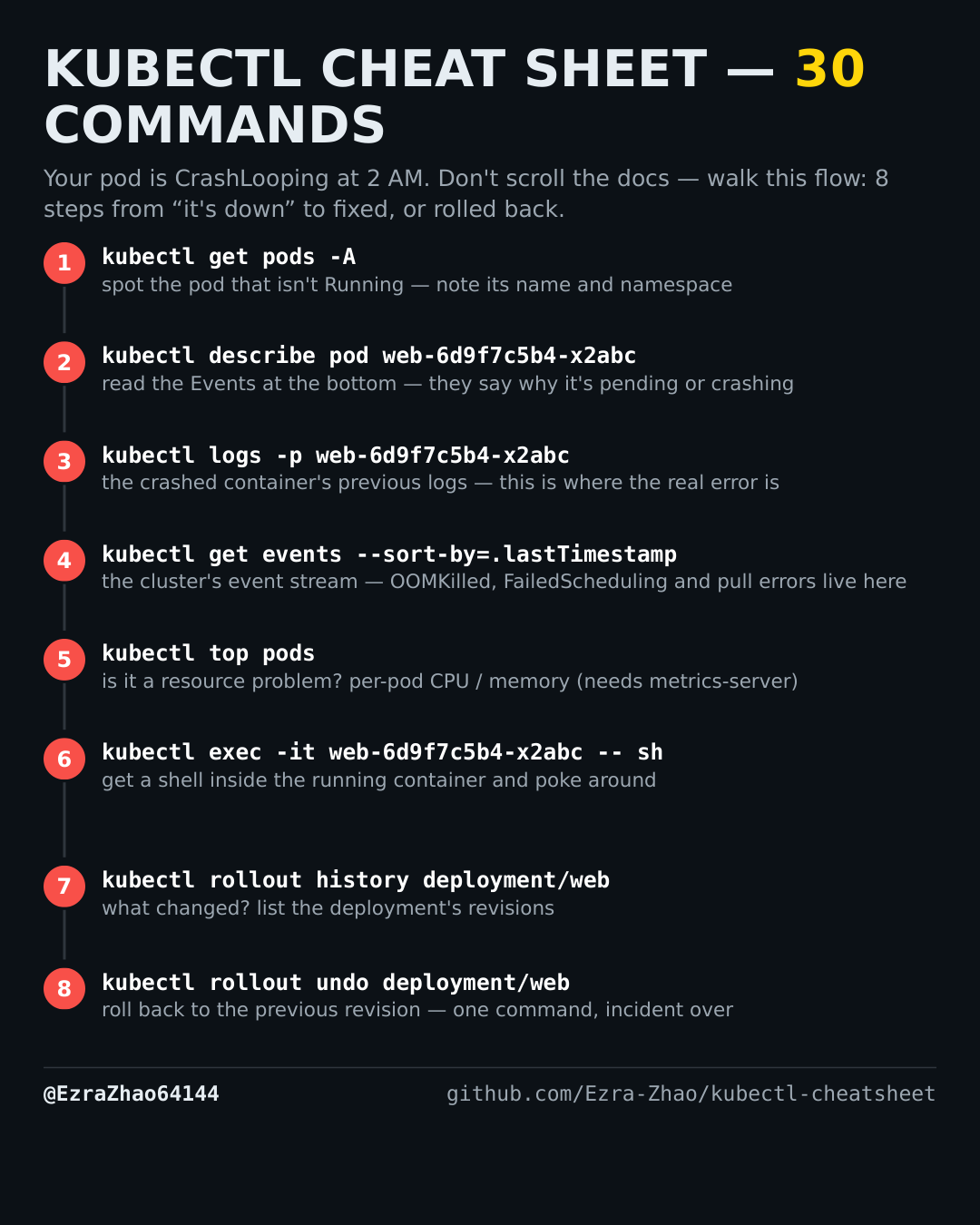
How to roll back a deployment — kubectl rollout history / undo
The new release is broken and you need the previous revision back, fast.
Placeholders follow the cheatsheet: web is a deployment/pod name and app.yaml is your manifest. Most commands act on the current namespace — add -n <ns> to target another one.
kubectl rollout history deployment/web        # list revisions
kubectl rollout undo deployment/web           # back to the previous revision
kubectl rollout undo deployment/web --to-revision=2