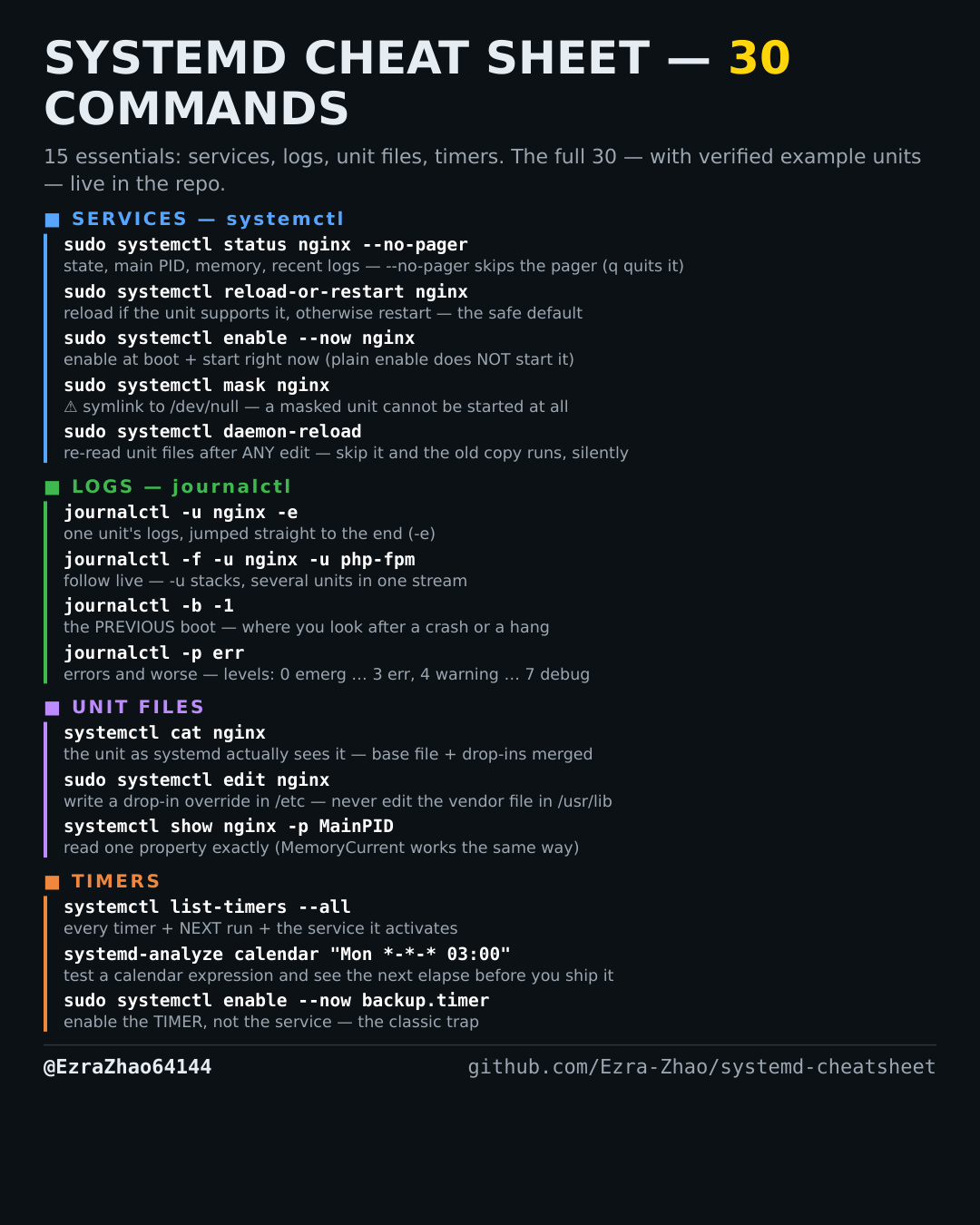
Cheatsheet Pages / systemd Cheatsheet
How to make systemd re-read unit files after you edit them — systemctl daemon-reload
You changed a unit file and systemd is still running the old version — it even warns you, and this is the fix.
Most management commands need sudo, and systemctl only works on a system actually booted with systemd — inside containers it fails with “System has not been booted with systemd as init system”. Every command was checked against systemd 255, and the example units pass systemd-analyze verify.
sudo systemctl daemon-reload   # run this after ANY edit under /etc/systemd/system or /usr/lib/systemd/system
sudo systemctl daemon-reexec   # re-execute the manager itself (rare — mostly after a systemd upgrade)
# skip daemon-reload and systemd keeps using the old in-memory copy, silently