Cheatsheet Pages / systemd Cheatsheet
How to override a systemd unit without editing the vendor file — systemctl edit
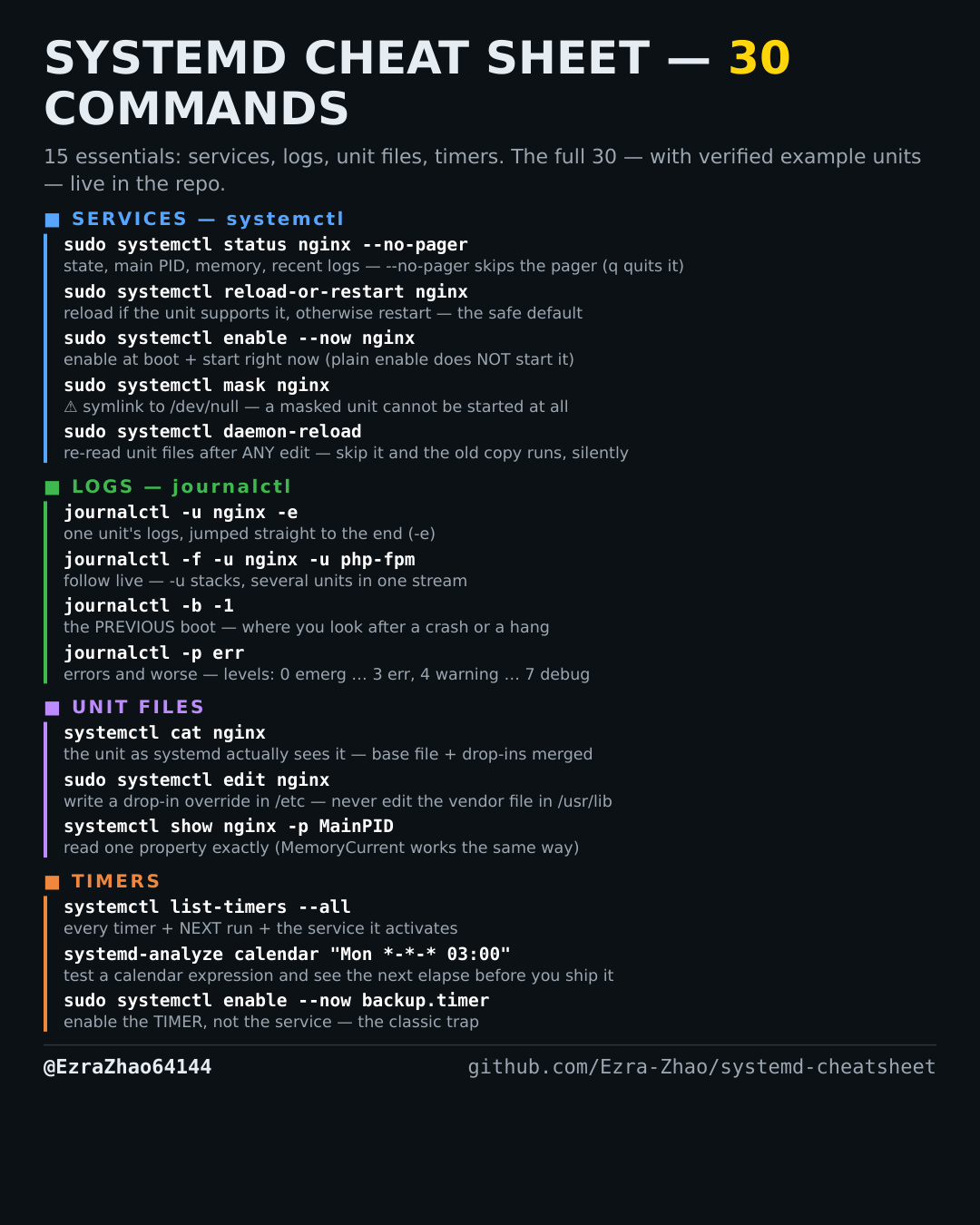
You need to change one setting of a packaged service — a drop-in override survives package updates; editing the vendor file does not.
Most management commands need sudo, and systemctl only works on a system actually booted with systemd — inside containers it fails with “System has not been booted with systemd as init system”. Every command was checked against systemd 255, and the example units pass systemd-analyze verify.
sudo systemctl edit nginx            # opens an editor for /etc/systemd/system/nginx.service.d/override.conf
sudo systemctl edit --full nginx     # --full: edit a full copy of the unit itself instead of a drop-in
# drop-ins win over the vendor file and survive package upgrades;
# after saving, edit runs daemon-reload for you — a manual unit-file edit does not