Cheatsheet Pages / systemd Cheatsheet
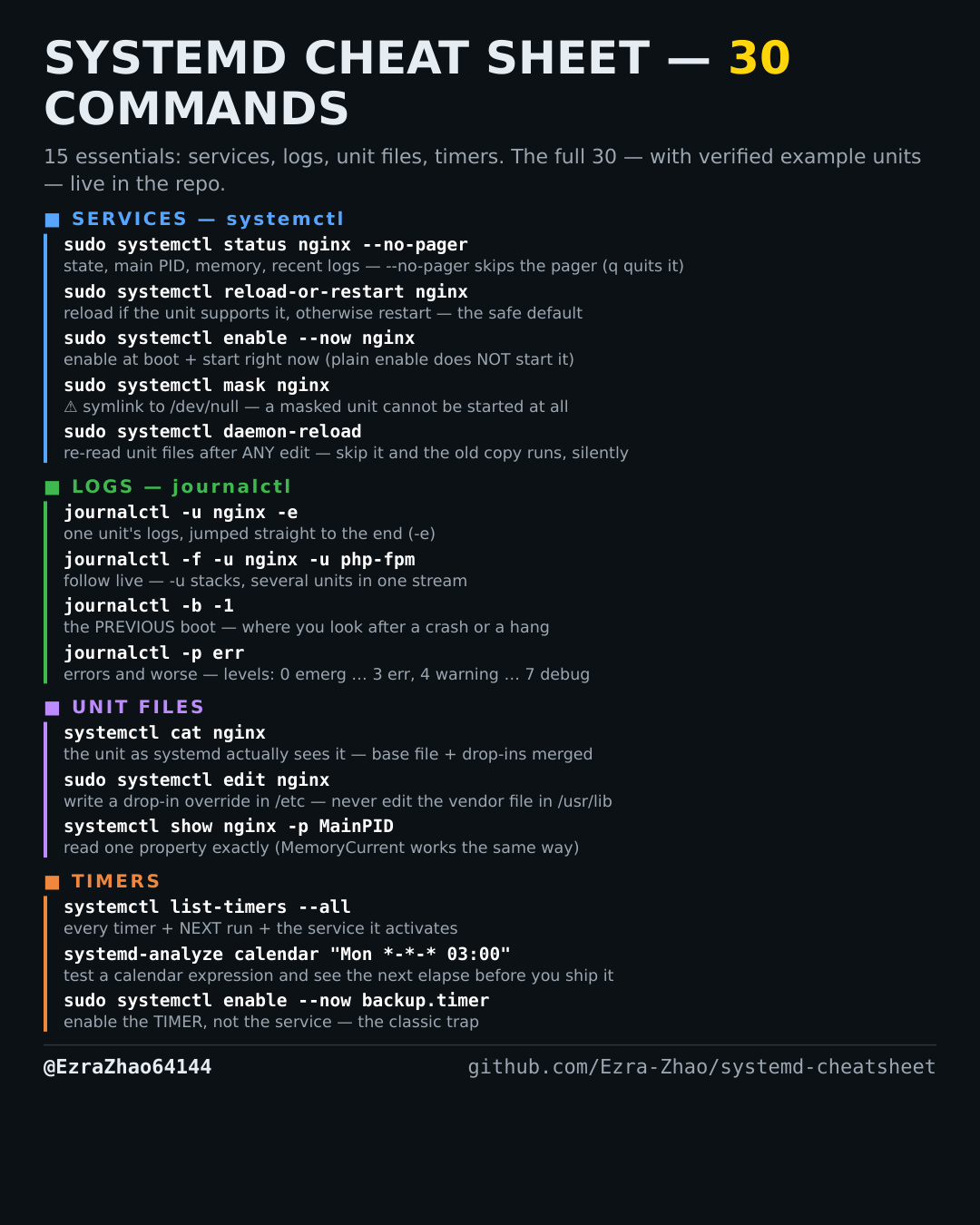
How to enable and start a service in one step — systemctl enable --now
You want it starting at boot AND running now — without typing two commands and forgetting the second.
Most management commands need sudo, and systemctl only works on a system actually booted with systemd — inside containers it fails with “System has not been booted with systemd as init system”. Every command was checked against systemd 255, and the example units pass systemd-analyze verify.
sudo systemctl enable --now nginx    # enable at boot + start right now
sudo systemctl disable --now nginx   # disable at boot + stop right now