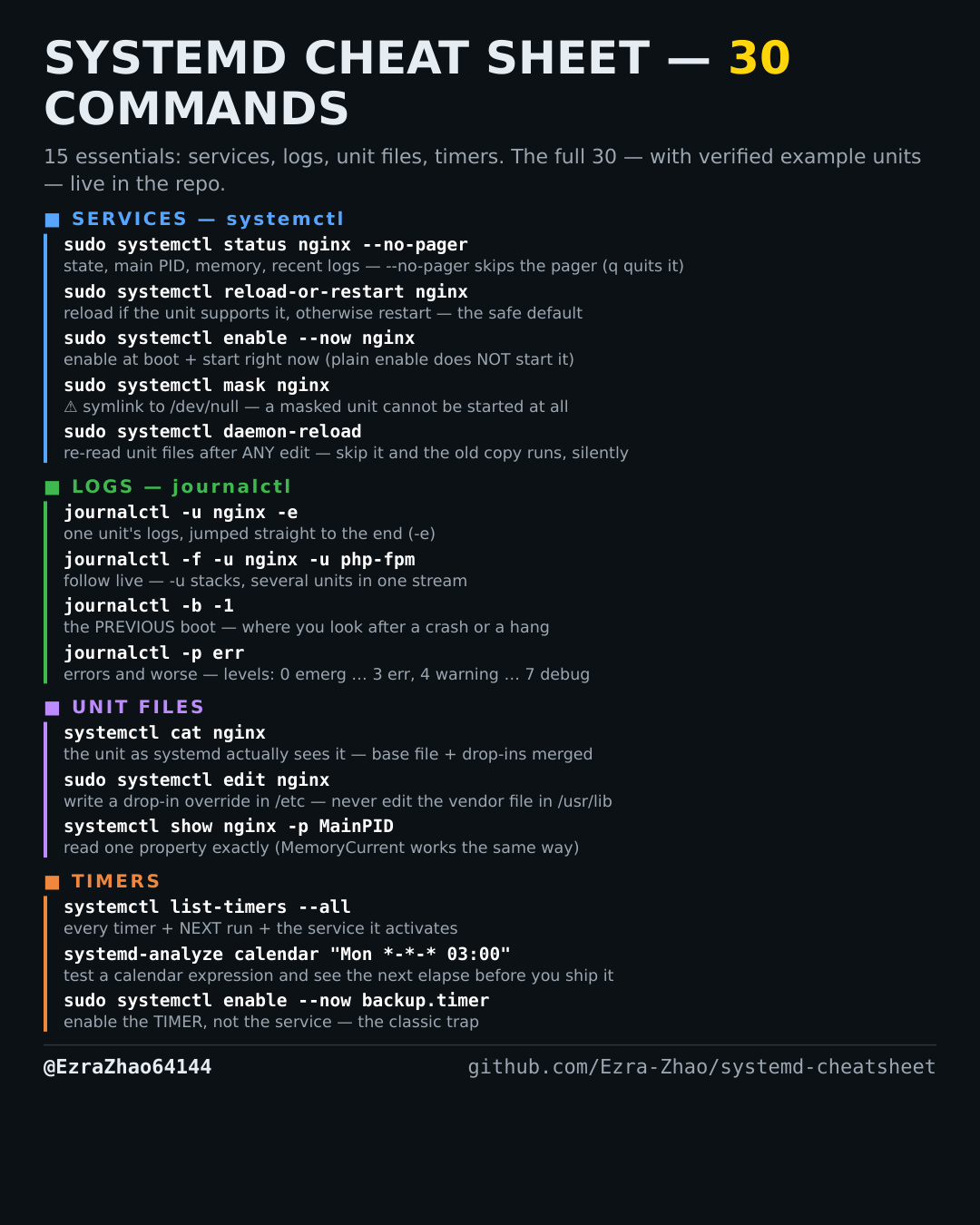
Cheatsheet Pages / systemd Cheatsheet
How to ask systemd yes/no questions in scripts — is-active, is-enabled, is-failed
A script or a health check needs a straight yes or no — and reads the exit code, not the prose.
Most management commands need sudo, and systemctl only works on a system actually booted with systemd — inside containers it fails with “System has not been booted with systemd as init system”. Every command was checked against systemd 255, and the example units pass systemd-analyze verify.
systemctl is-active nginx    # prints active / inactive / failed / activating / ...
systemctl is-enabled nginx   # prints enabled / disabled / static / masked / ...
systemctl is-failed nginx    # prints "failed" + exit 0 ONLY if the unit really is failed;
                             # otherwise it prints the real state (active / inactive) + a non-zero exit
# all three are built for scripts: exit code 0 = the answer is "yes"
# (is-active: unit is active; is-enabled: unit is enabled; is-failed: unit is failed),
# non-zero = no / unit not found
systemctl is-active --quiet nginx && echo running   # --quiet: no output, just the exit code