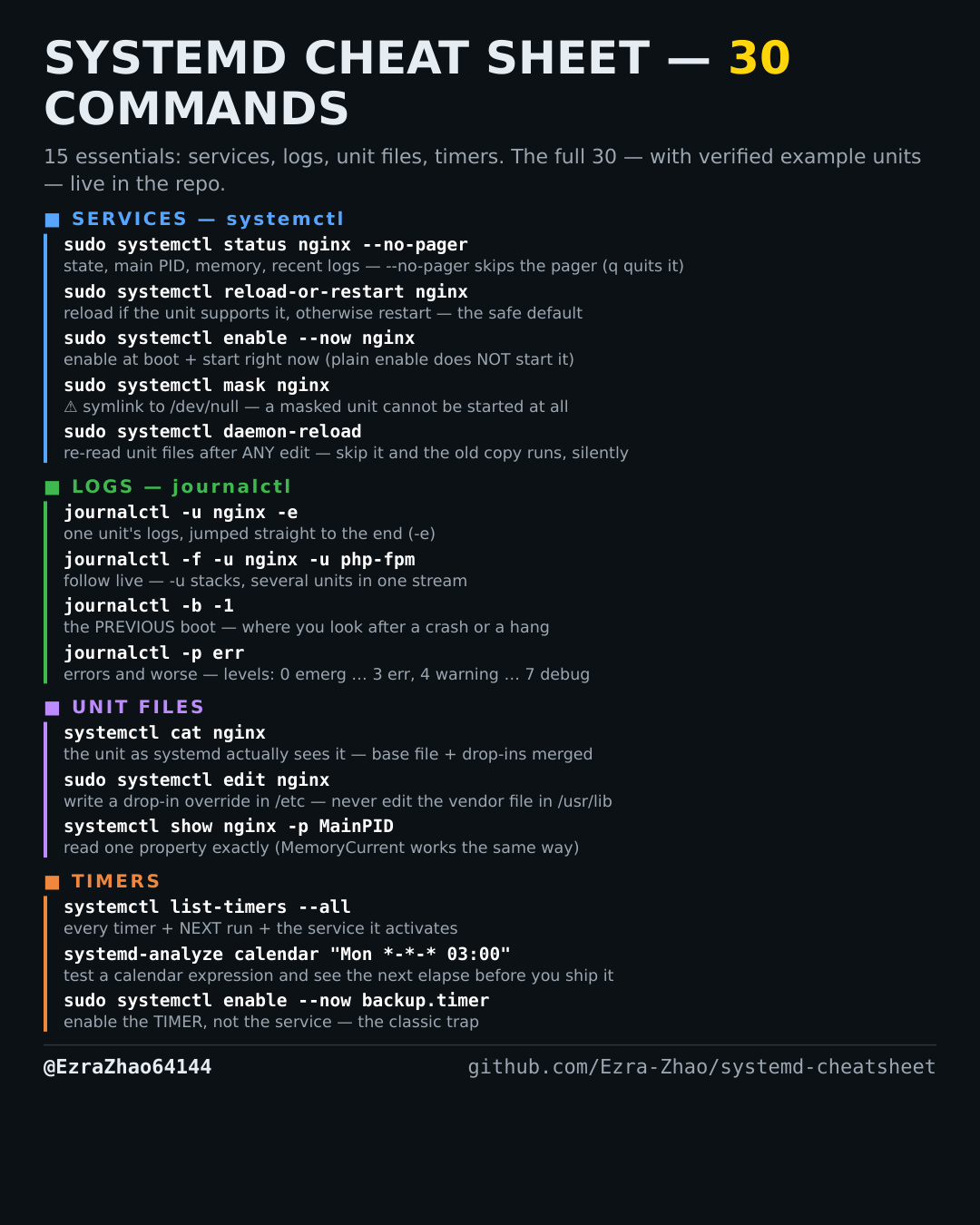
Cheatsheet Pages / systemd Cheatsheet
How to see and shrink the systemd journal's disk use — --disk-usage, --vacuum-time
The journal has quietly grown to gigabytes and disk pressure is real — measure it, then vacuum the old entries.
Most management commands need sudo, and systemctl only works on a system actually booted with systemd — inside containers it fails with “System has not been booted with systemd as init system”. Every command was checked against systemd 255, and the example units pass systemd-analyze verify.
journalctl --disk-usage              # how much disk archived + active journals take
sudo journalctl --vacuum-time=2weeks # delete archived journals older than 2 weeks
sudo journalctl --vacuum-size=500M   # or shrink the archive to a total size instead
Good to know
⚠️ Vacuum deletes old log files permanently — there is no undo. Run --disk-usage first, and don't vacuum right before investigating an incident: the history you need is exactly what gets deleted.