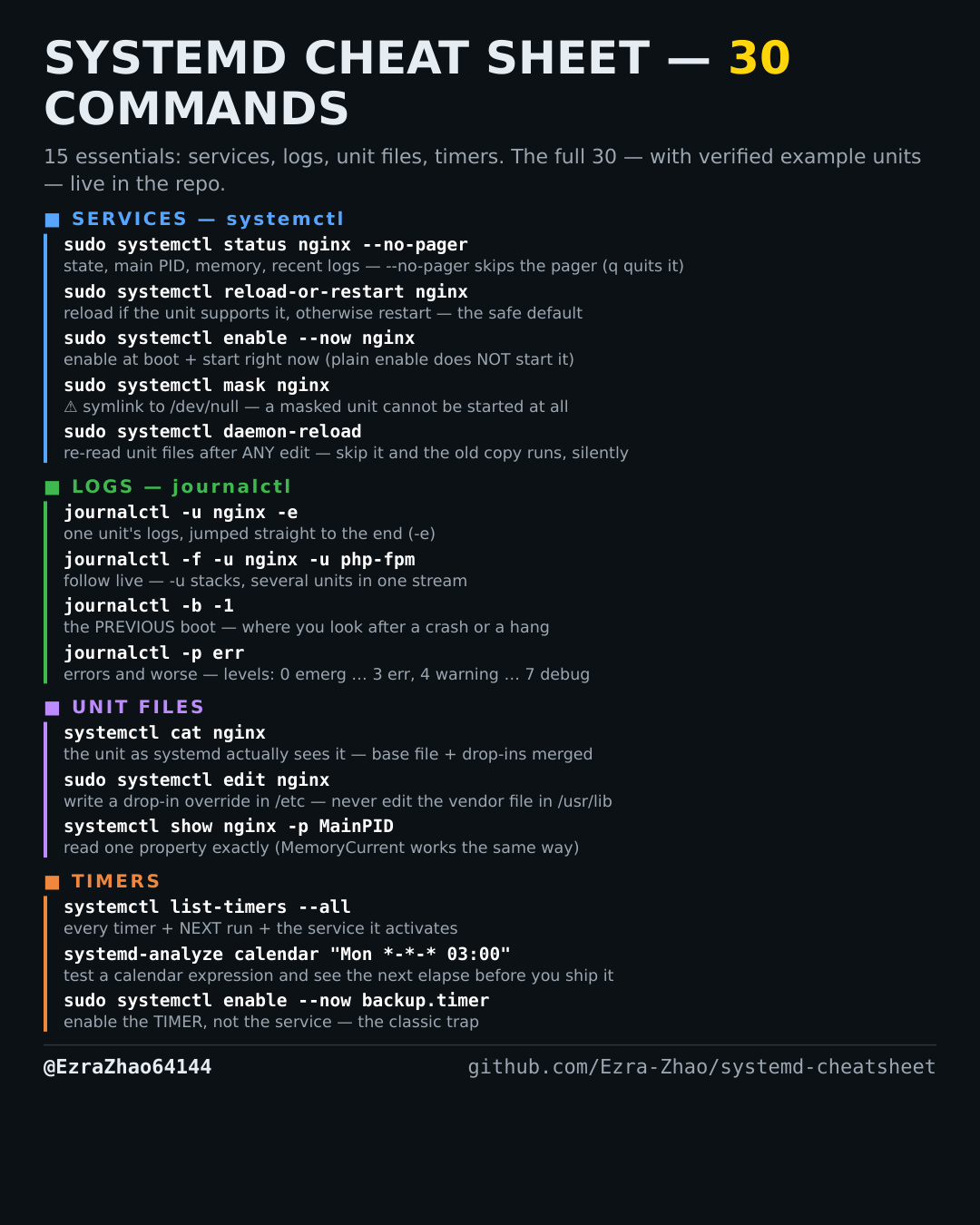
Cheatsheet Pages / systemd Cheatsheet
How to follow systemd logs live — journalctl -f
You restarted the service and want to watch its logs as they happen.
Most management commands need sudo, and systemctl only works on a system actually booted with systemd — inside containers it fails with “System has not been booted with systemd as init system”. Every command was checked against systemd 255, and the example units pass systemd-analyze verify.
journalctl -f                          # tail the whole journal, Ctrl-C to stop
journalctl -f -u nginx -u php-fpm      # -u stacks: follow several units in one stream