Cheatsheet Pages / systemd Cheatsheet
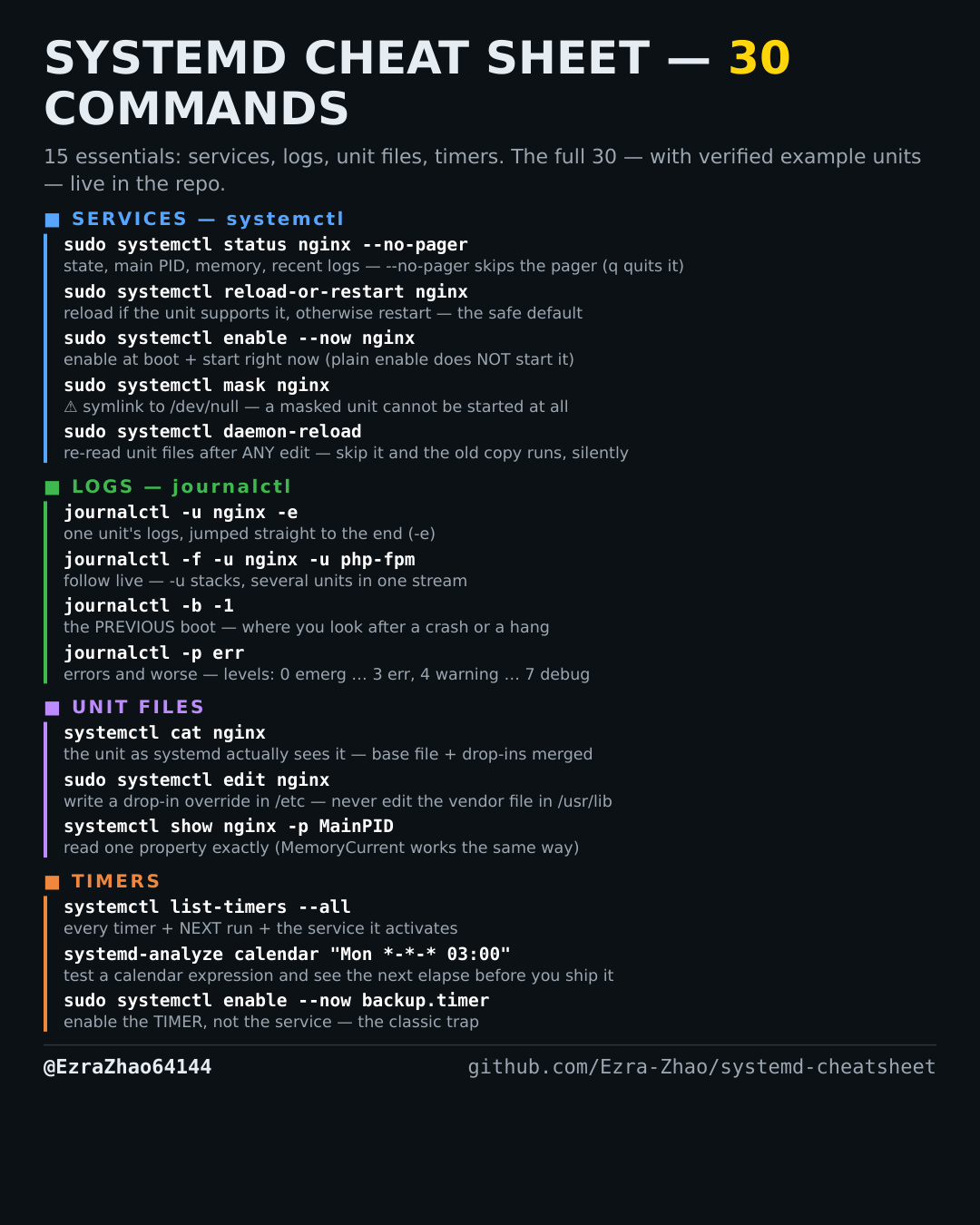
How to filter journal logs by priority — journalctl -p err
Too much noise: only errors (and worse) matter right now.
Most management commands need sudo, and systemctl only works on a system actually booted with systemd — inside containers it fails with “System has not been booted with systemd as init system”. Every command was checked against systemd 255, and the example units pass systemd-analyze verify.
journalctl -p err          # errors and worse (this boot)
journalctl -p warning -b -1  # warnings and worse, previous boot
# levels, worst to noisiest: 0 emerg, 1 alert, 2 crit, 3 err,
# 4 warning, 5 notice, 6 info, 7 debug
# -p err means "err and above" (0-3); a range like -p info..err also works