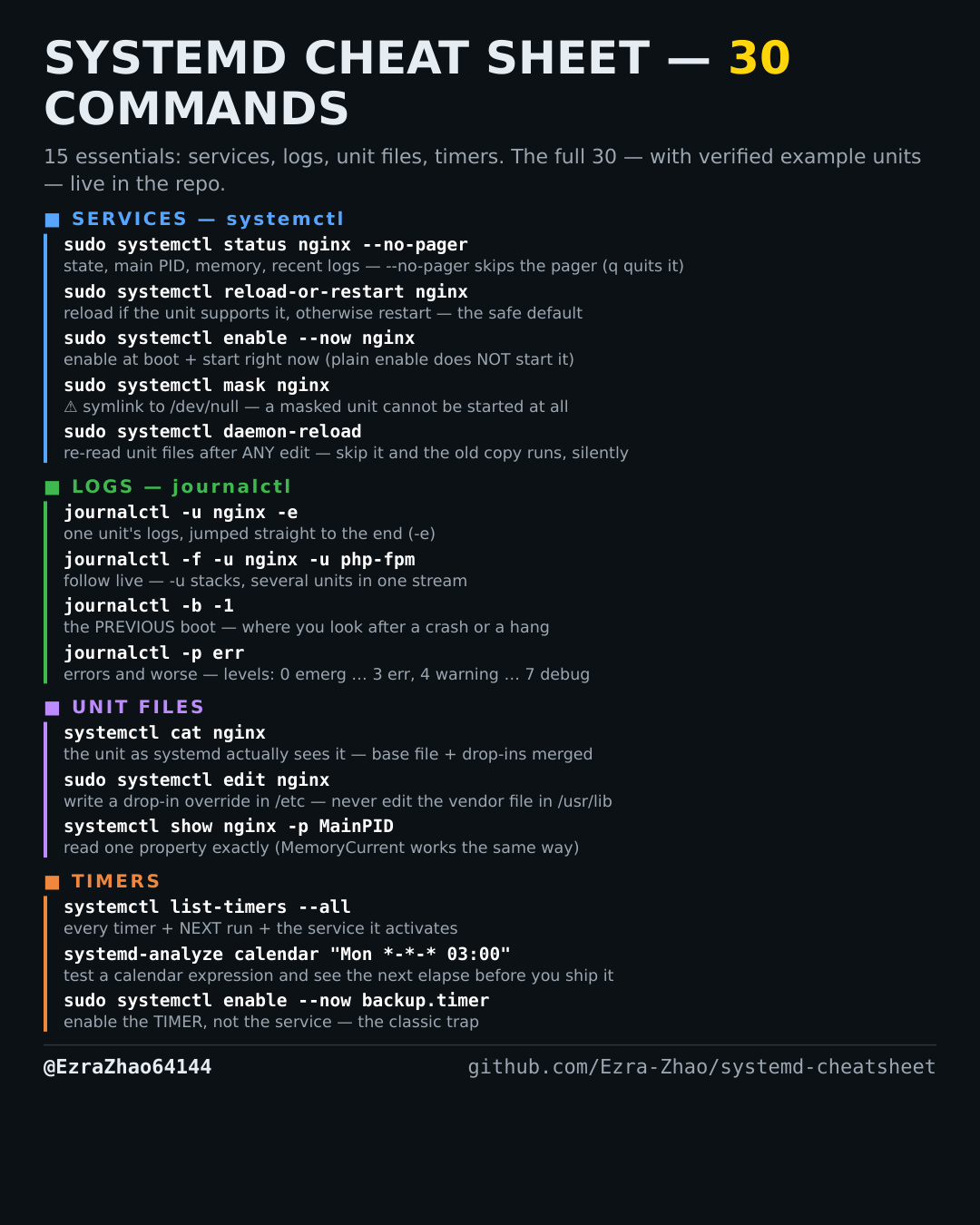
Cheatsheet Pages / systemd Cheatsheet
How to show one unit's logs — journalctl -u
One service's logs, without the rest of the system's noise.
Most management commands need sudo, and systemctl only works on a system actually booted with systemd — inside containers it fails with “System has not been booted with systemd as init system”. Every command was checked against systemd 255, and the example units pass systemd-analyze verify.
journalctl -u nginx                    # this unit only, oldest first, in a pager (q to quit)
journalctl -u nginx -e                 # -e: jump straight to the end (newest entries)
journalctl -u nginx --no-pager -n 50   # last 50 lines, no pager — safe to copy or script
# related: journalctl -k shows kernel messages (dmesg) from the current boot