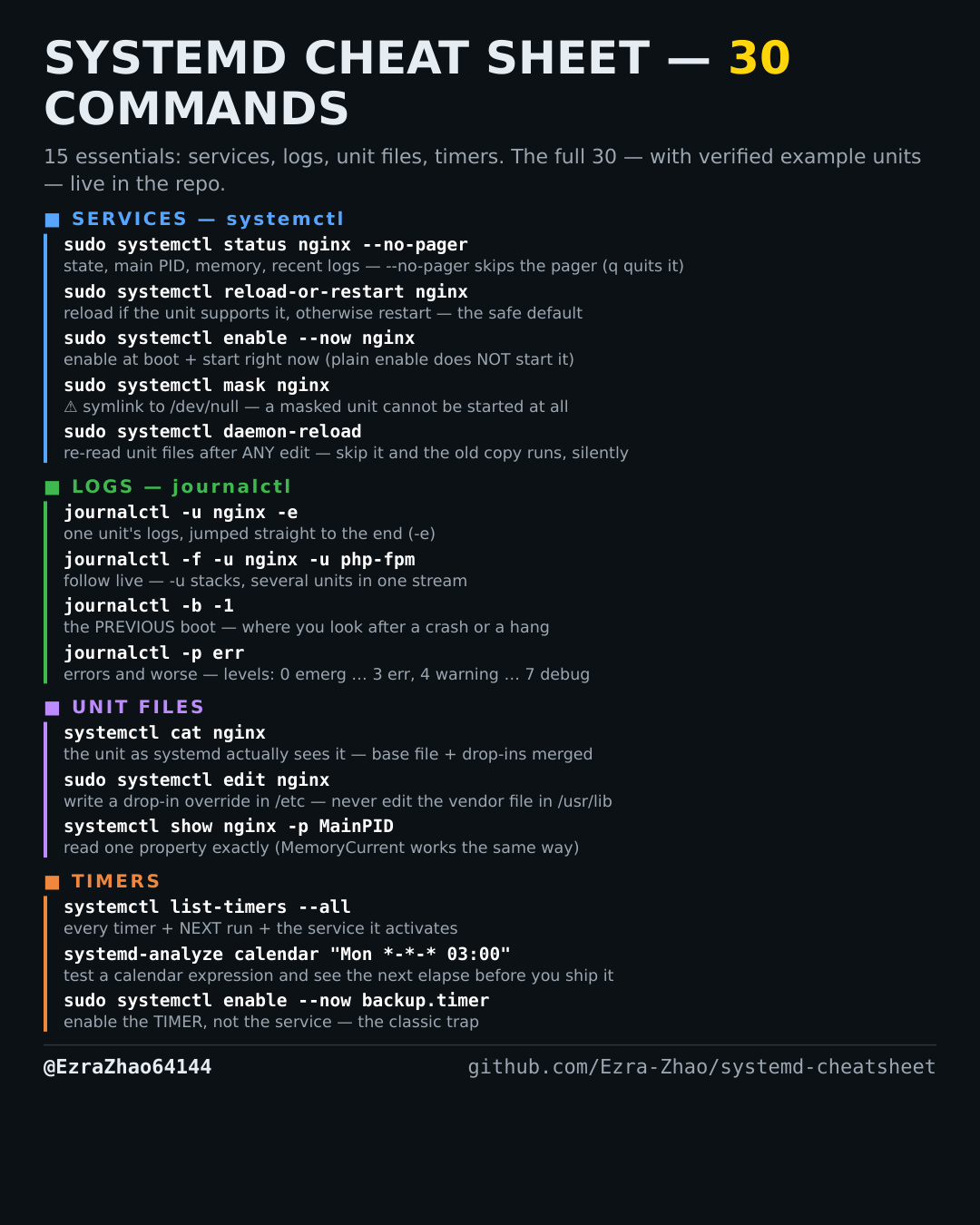
Cheatsheet Pages / systemd Cheatsheet
How to list every systemd timer and its next run — systemctl list-timers --all
You need to know what scheduled jobs exist on this machine and when each one fires next.
Most management commands need sudo, and systemctl only works on a system actually booted with systemd — inside containers it fails with “System has not been booted with systemd as init system”. Every command was checked against systemd 255, and the example units pass systemd-analyze verify.
systemctl list-timers --all   # NEXT / LEFT / LAST / PASSED + which service each timer activates
# without --all you only see timers that are loaded and active — --all also shows inactive ones