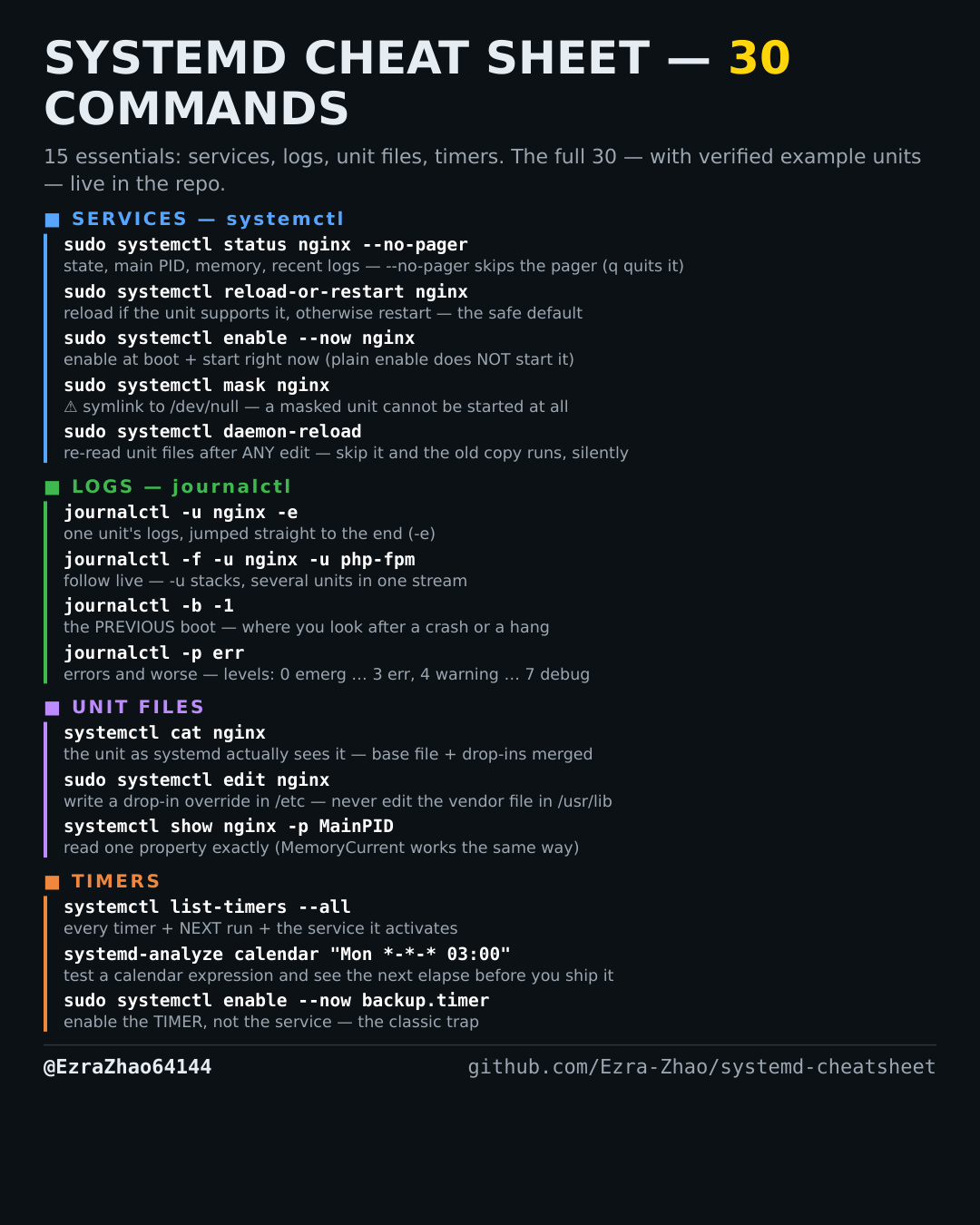
Cheatsheet Pages / systemd Cheatsheet
How to ban a systemd unit from starting at all — systemctl mask / unmask
A unit must never start — not manually, not as a dependency, not ever — until you say otherwise.
Most management commands need sudo, and systemctl only works on a system actually booted with systemd — inside containers it fails with “System has not been booted with systemd as init system”. Every command was checked against systemd 255, and the example units pass systemd-analyze verify.
sudo systemctl mask nginx      # symlink the unit to /dev/null
sudo systemctl unmask nginx    # undo it
Good to know
⚠️ A masked unit cannot be started at all — not manually, not as a dependency of another unit. start fails with "Unit is masked". Use it to permanently silence a unit you never want back, not as a stronger disable.