Cheatsheet Pages / systemd Cheatsheet
systemctl restart vs reload — which one does your change need?
You edited a config file: a reload re-reads it in place, a restart bounces the service — picking wrong either drops connections or changes nothing.
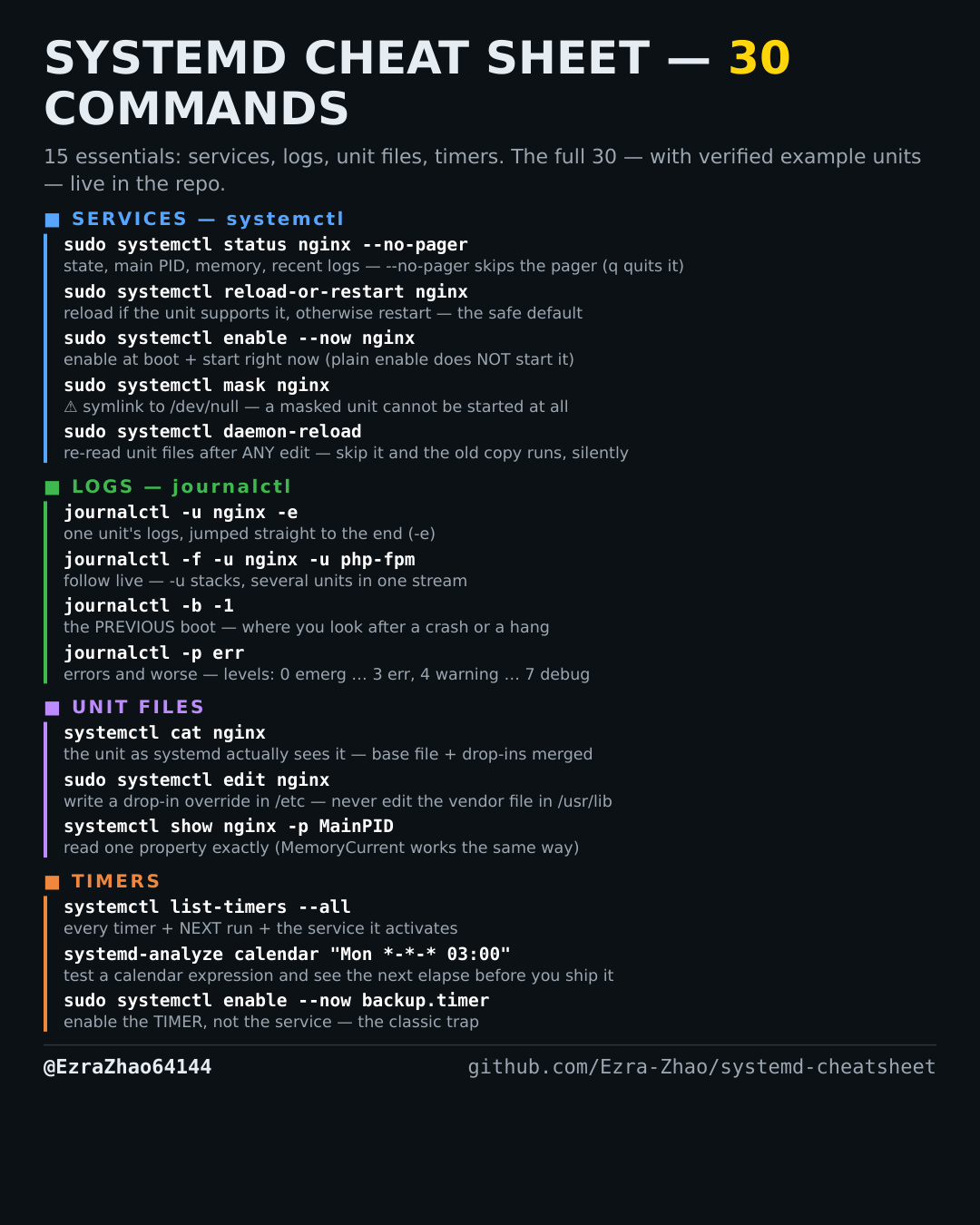
Most management commands need sudo, and systemctl only works on a system actually booted with systemd — inside containers it fails with “System has not been booted with systemd as init system”. Every command was checked against systemd 255, and the example units pass systemd-analyze verify.
sudo systemctl restart nginx          # full stop + start; drops connections
sudo systemctl reload nginx           # re-read config WITHOUT restarting, if the unit supports it
sudo systemctl reload-or-restart nginx # reload if supported, otherwise restart — the safe default
# reload on a unit with no reload support fails with
# "Reload request not supported for this unit" — that's when reload-or-restart earns its keep