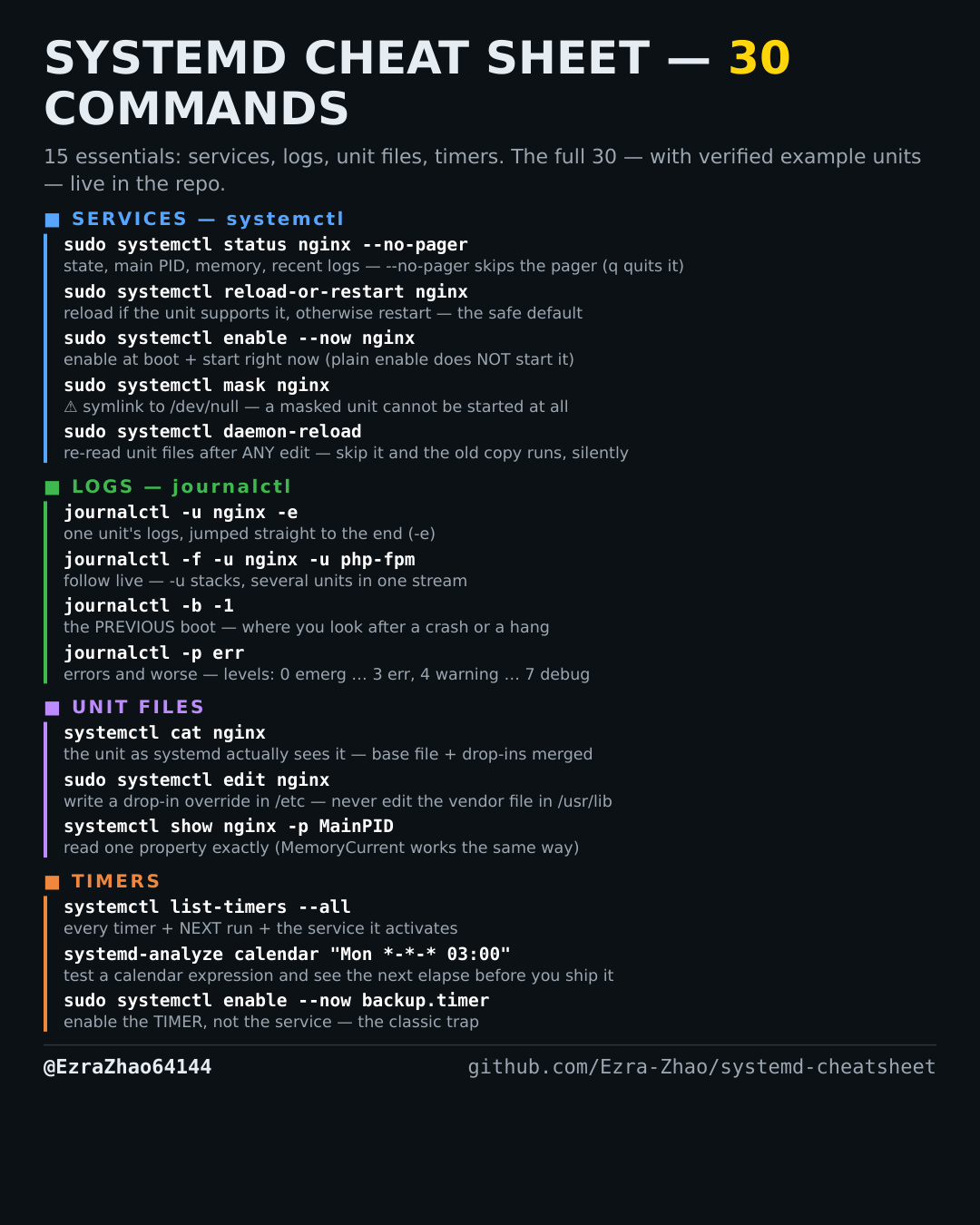
Cheatsheet Pages / systemd Cheatsheet
How to check whether a service is running, failed or dead — systemctl status
Something is misbehaving and the first question is always: what state is the unit actually in?
Most management commands need sudo, and systemctl only works on a system actually booted with systemd — inside containers it fails with “System has not been booted with systemd as init system”. Every command was checked against systemd 255, and the example units pass systemd-analyze verify.
sudo systemctl status nginx            # state, main PID, memory, recent log lines
sudo systemctl status nginx --no-pager # don't pipe into a pager — for scripts and docs
# status opens in a pager by default: press q to quit