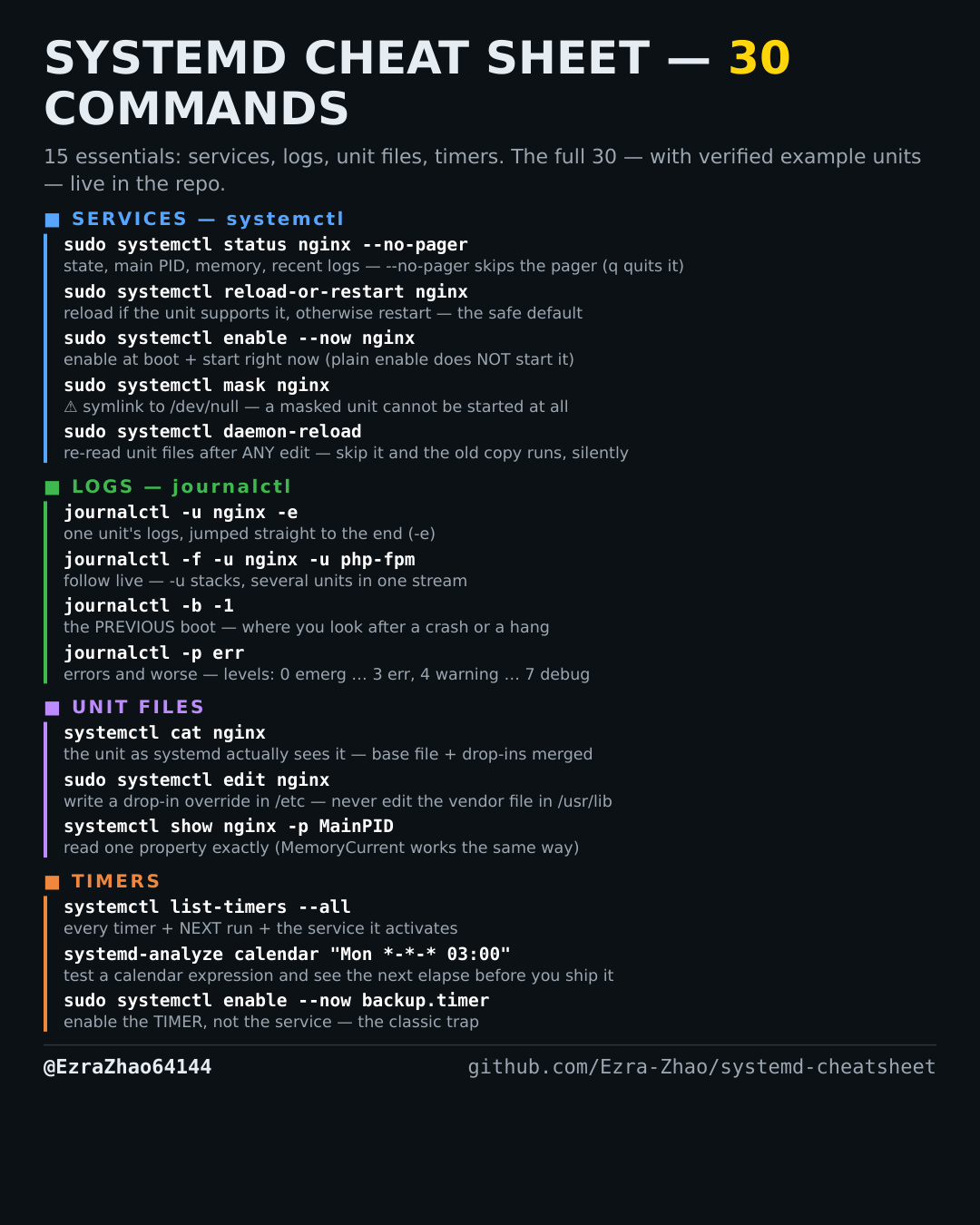
Cheatsheet Pages / systemd Cheatsheet
Anatomy of a systemd .timer — a daily job and its service
You are replacing a cron job with a timer and want a complete, verified .timer + .service pair.
Most management commands need sudo, and systemctl only works on a system actually booted with systemd — inside containers it fails with “System has not been booted with systemd as init system”. Every command was checked against systemd 255, and the example units pass systemd-analyze verify.
# backup.timer
[Unit]
Description=Run backup daily

[Timer]
OnCalendar=daily        # calendar trigger: daily = *-*-* 00:00:00; hourly, weekly, "*-*-* 03:00" also work
Persistent=true         # missed while powered off? run once at next boot instead of skipping
Unit=backup.service     # what to start — defaults to the same-named .service, so this line is optional here

[Install]
WantedBy=timers.target  # timers hook into timers.target, not multi-user.target
# backup.service — the job itself (kept minimal: a timer starts it, nothing enables it)
[Unit]
Description=Nightly backup job

[Service]
Type=oneshot            # run once and exit — the right type for timer jobs
ExecStart=/bin/true     # placeholder — put your real script/command here (must exist; verify checks)
systemd-analyze verify ./backup.service ./backup.timer   # this exact pair passes verify