Cheatsheet Pages / Terminal Superpowers
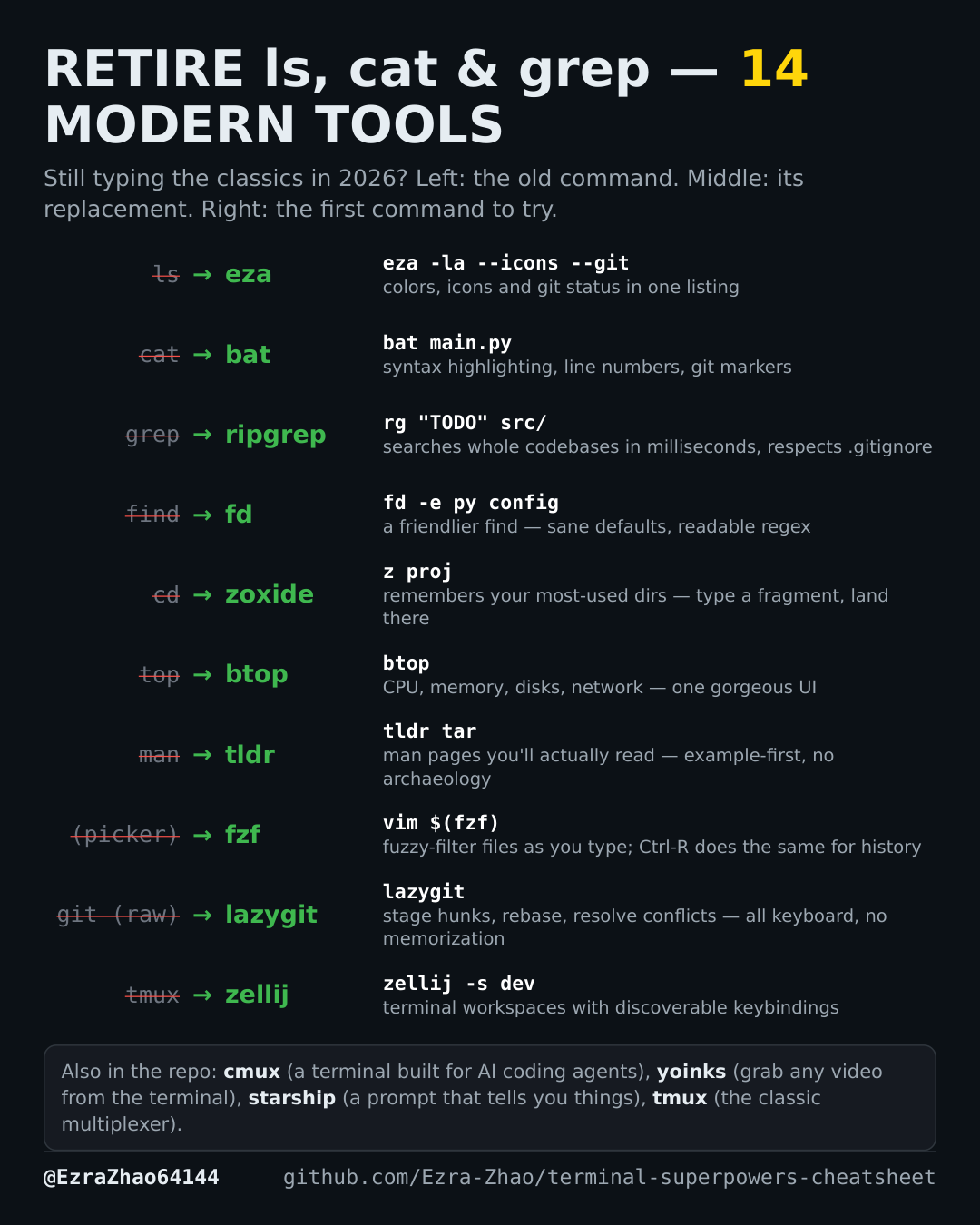
bat — cat with syntax highlighting and line numbers
You open a source file just to read it, and plain cat gives you a wall of unformatted text.
On Debian/Ubuntu, most of these tools are also one sudo apt install away.
brew install bat   # install
bat main.py        # try: view any source file
Good to know
bat pipes code through highlighting, line numbers, and git markers. Once you use it, plain cat feels broken.