Cheatsheet Pages / Terminal Superpowers
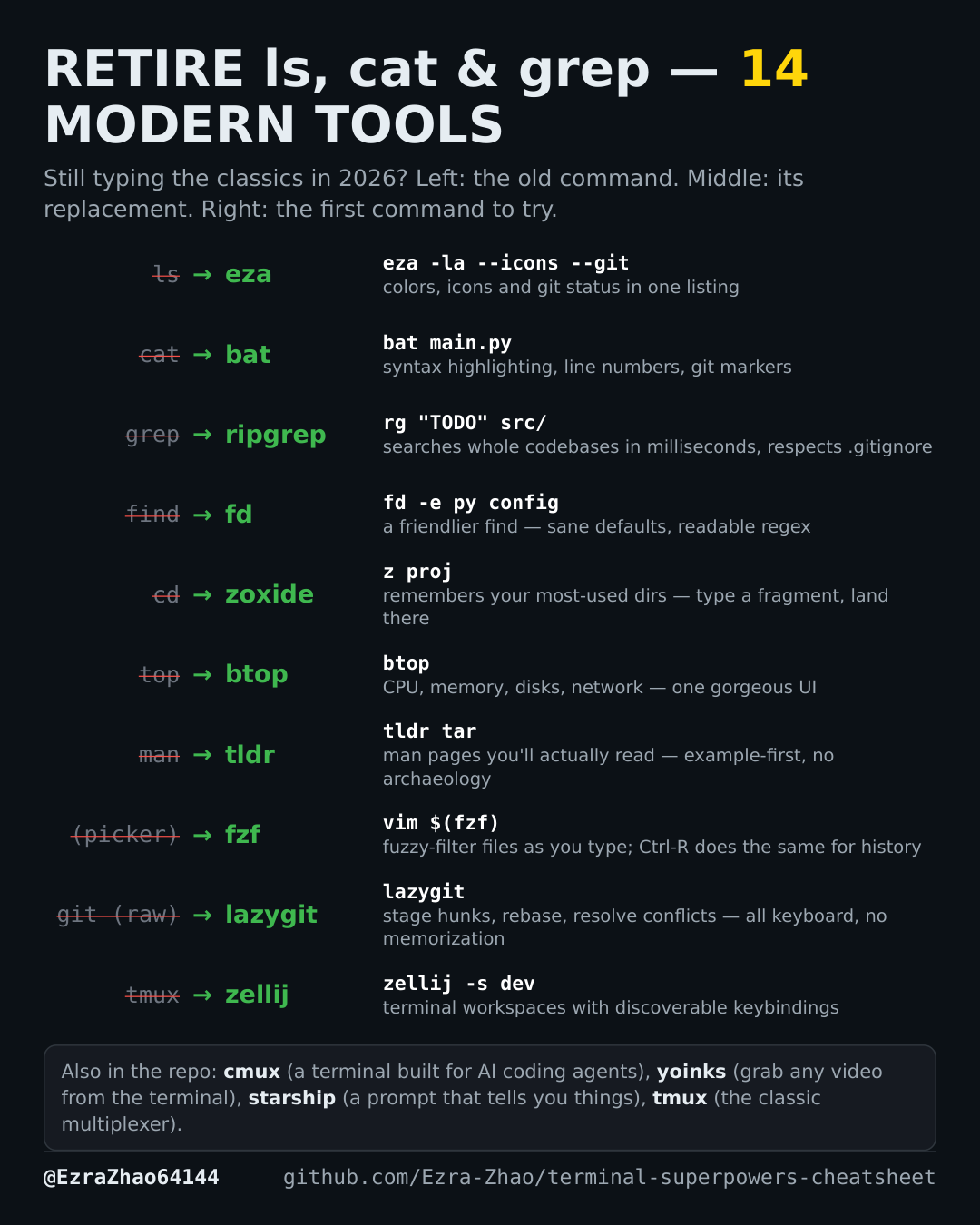
Jump and find: zoxide + fzf for terminal navigation
Jump to the project from a fragment, then fuzzy-pick the file inside it.
On Debian/Ubuntu, most of these tools are also one sudo apt install away.
brew install zoxide                      # install
eval "$(zoxide init zsh)" >> ~/.zshrc    # hook into your shell
z proj                                   # try: jump to best match for "proj"
brew install fzf   # install
vim $(fzf)         # try: pick a file to open (or press Ctrl-R for history)