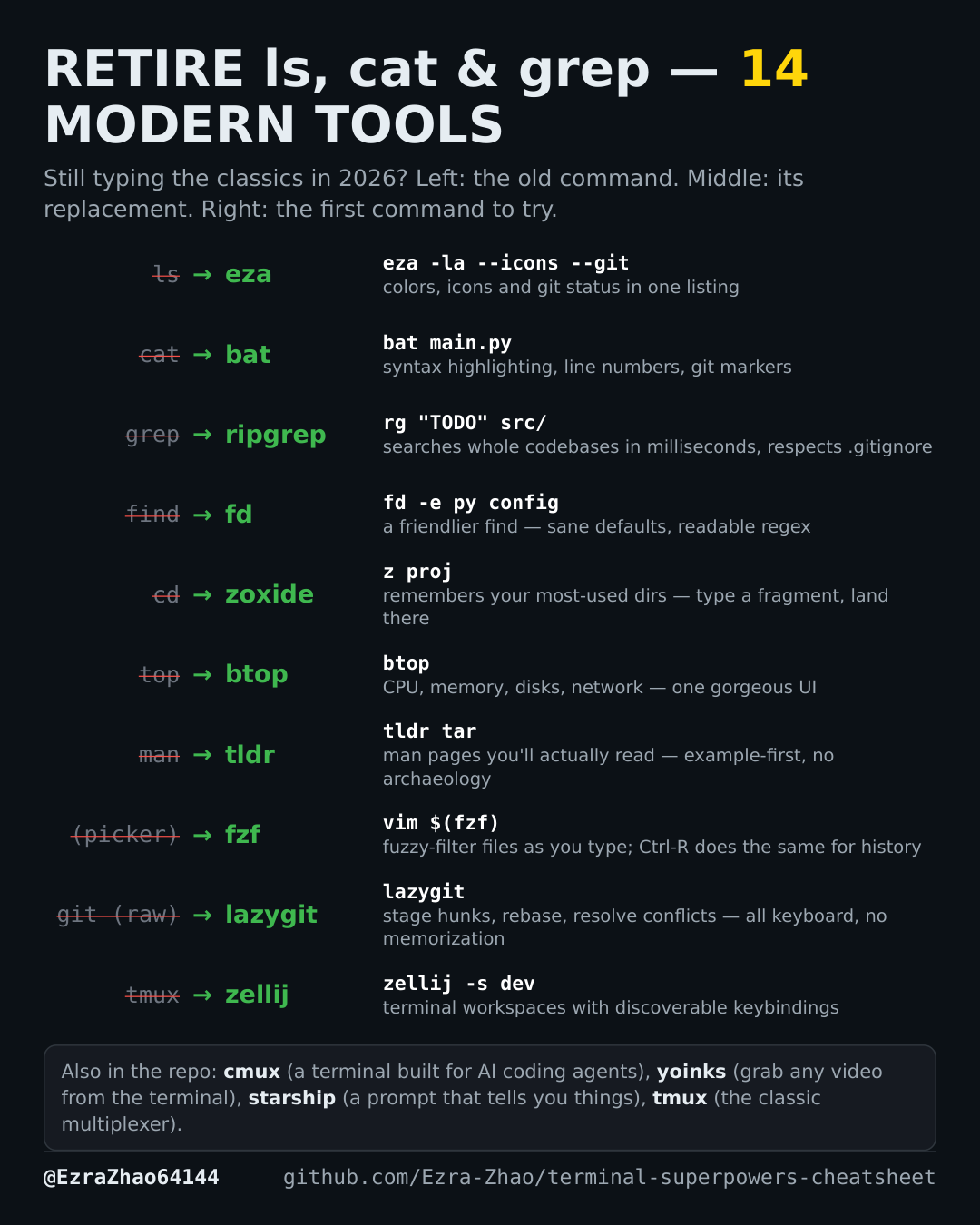
Cheatsheet Pages / Terminal Superpowers
Remote work over SSH — tmux sessions plus zoxide jumps
You live on remote servers: sessions that survive the disconnect, and instant jumps to the directories you actually use there.
On Debian/Ubuntu, most of these tools are also one sudo apt install away.
brew install tmux      # macOS — or: sudo apt install tmux
tmux new -s work        # try: new session named "work" (Ctrl-b % splits, Ctrl-b d detaches)
brew install zoxide                      # install
eval "$(zoxide init zsh)" >> ~/.zshrc    # hook into your shell
z proj                                   # try: jump to best match for "proj"