Cheatsheet Pages / tmux Cheatsheet
How to print a tmux pane's contents to stdout — tmux capture-pane -p
A script, cron job or another terminal needs a snapshot of what a pane is showing — including its scrollback.
tmux's default prefix is Ctrl-b: “prefix c” means press Ctrl-b, let go, then press c. Every CLI command was run for real against tmux 3.4 in detached test sessions, and every prefix binding was checked against the default binding table.
tmux capture-pane -p -t work:0.0            # the visible screen of that pane, as text
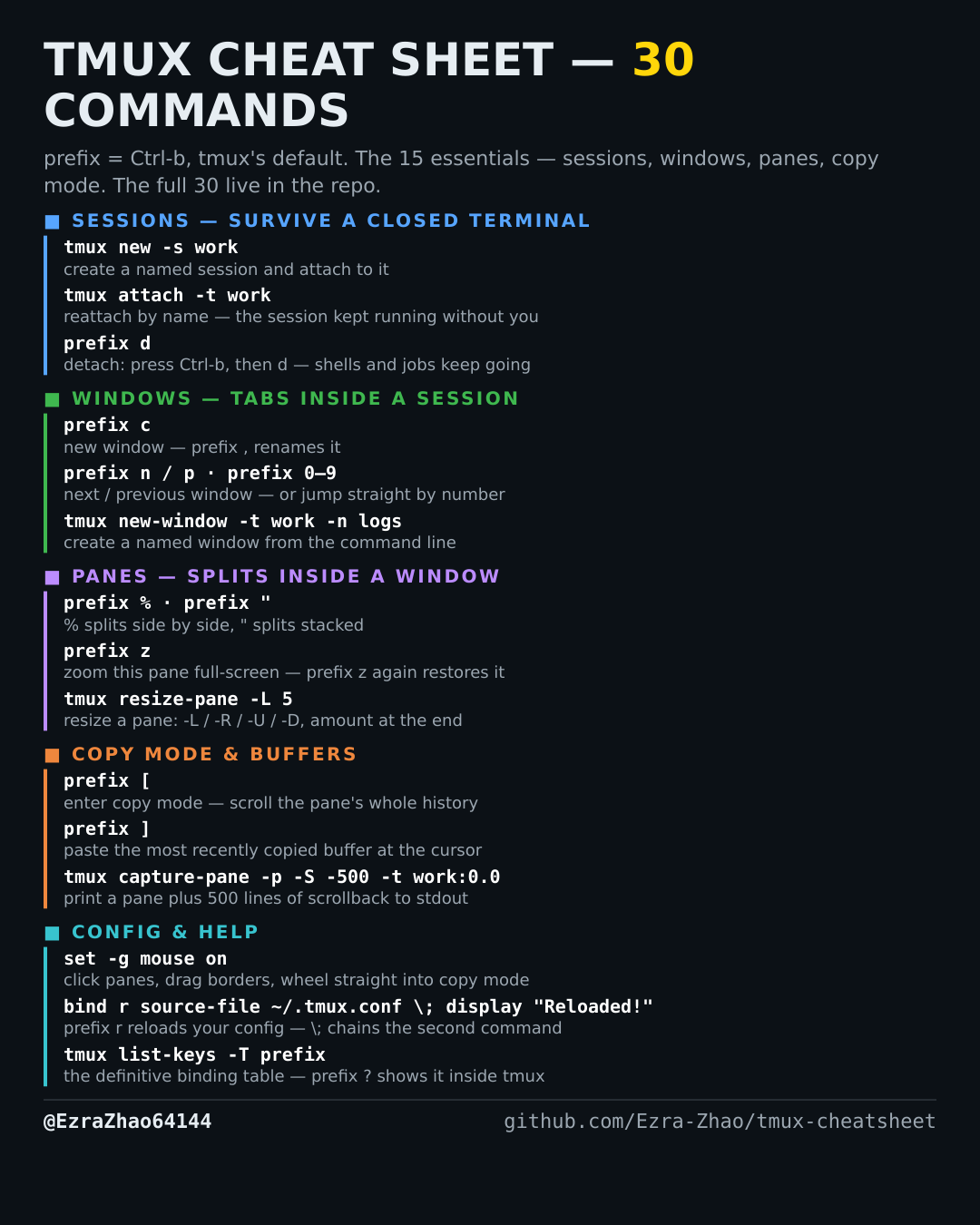
tmux capture-pane -p -S -500 -t work:0.0    # …plus scrollback: -S -500 starts 500
                                            # lines back in the history
tmux capture-pane -p -S - -t work:0.0       # -S - means: the entire scrollback
Good to know
-p is what makes it print instead of loading a buffer. This is the scripting workhorse — snapshot any pane from cron, a script, or another terminal.