Cheatsheet Pages / tmux Cheatsheet
How to browse tmux sessions visually — choose-tree (and kill-server, the last resort)
You lost track of what is running where and want a visual tree of every session, window and pane.
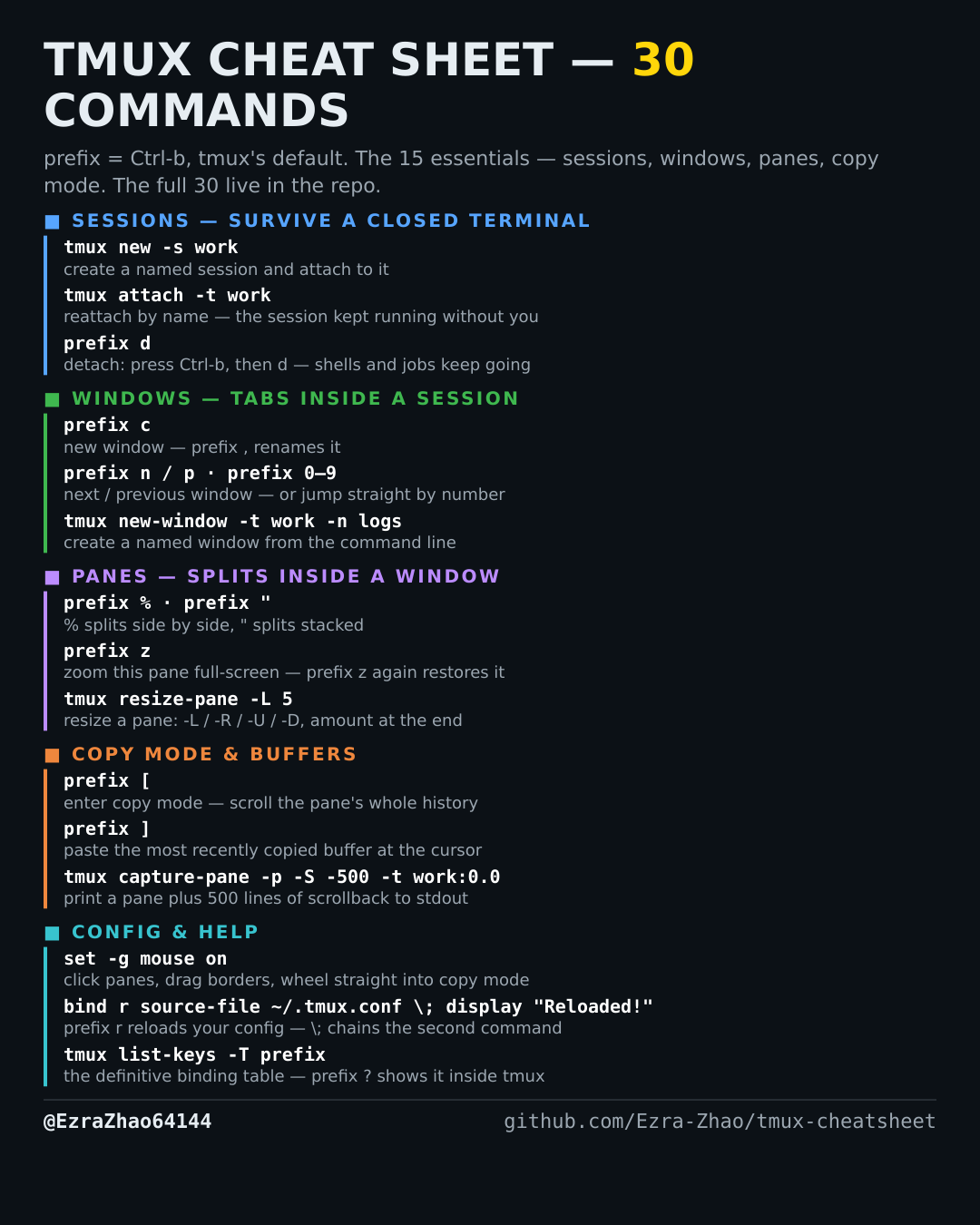
tmux's default prefix is Ctrl-b: “prefix c” means press Ctrl-b, let go, then press c. Every CLI command was run for real against tmux 3.4 in detached test sessions, and every prefix binding was checked against the default binding table.
# inside tmux: prefix s = session tree, prefix w = tree of sessions + windows
tmux choose-tree -Zs           # the command behind prefix s — it renders inside
                               # an attached client, so use it from within tmux;
                               # from a plain shell, tmux ls / list-windows list instead
tmux kill-server               # ⚠️ LAST RESORT: stops the tmux server itself —
                               # EVERY session, window and process dies at once.
                               # Reach for kill-session (entry 5) instead, unless
                               # the server is truly wedged.