Cheatsheet Pages / tmux Cheatsheet
How to scroll back and search in tmux — copy mode, prefix [
Output scrolled off the top of the pane and you need to read it — or search it — without leaving tmux.
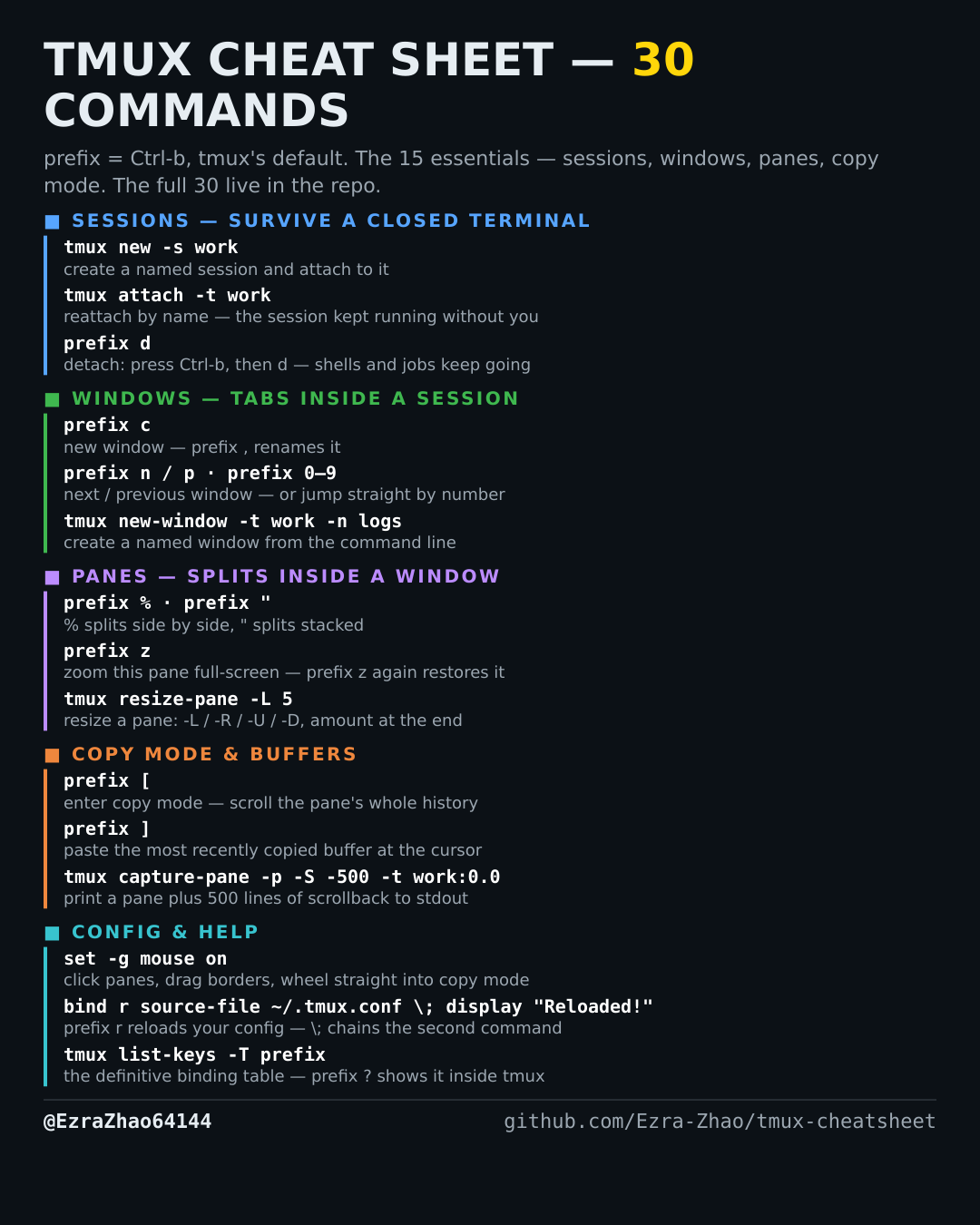
tmux's default prefix is Ctrl-b: “prefix c” means press Ctrl-b, let go, then press c. Every CLI command was run for real against tmux 3.4 in detached test sessions, and every prefix binding was checked against the default binding table.
# prefix [ enters copy mode: ↑ ↓ move line by line, PgUp / PgDn page through
# the pane's scrollback history; Ctrl-s / Ctrl-r search (the default emacs
# keys — with vi mode-keys, search is / and ? instead); q quits copy mode
tmux copy-mode -t work:0.0     # enter copy mode from the command line
Good to know
Copy mode is also how you read output that scrolled away — the mouse wheel only does this once mouse on is set (config section).