Cheatsheet Pages / tmux Cheatsheet
How to copy text in tmux copy mode — emacs and vi keys
You want text out of a pane — and the keys depend on whether mode-keys is emacs (the default) or vi.
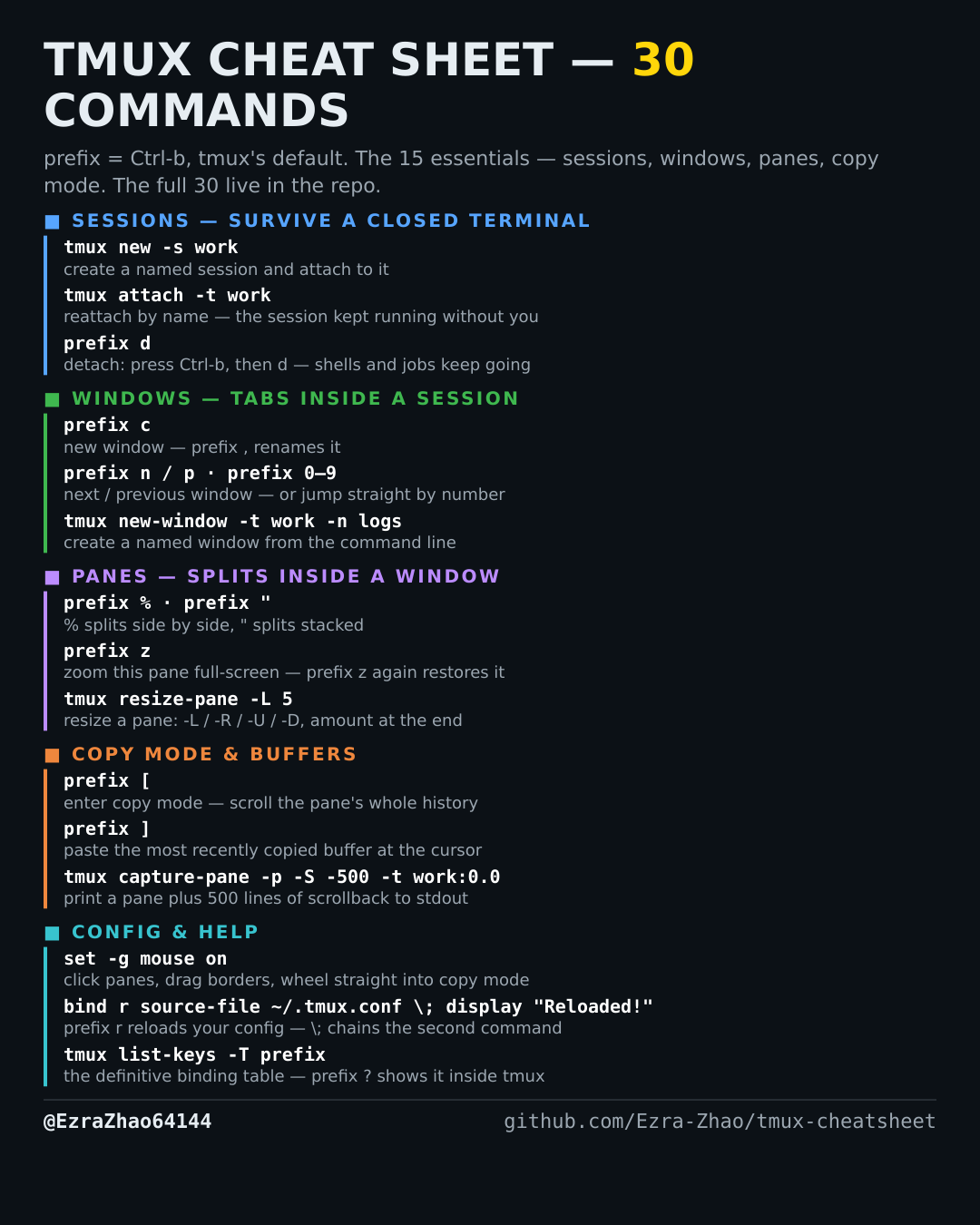
tmux's default prefix is Ctrl-b: “prefix c” means press Ctrl-b, let go, then press c. Every CLI command was run for real against tmux 3.4 in detached test sessions, and every prefix binding was checked against the default binding table.
# tmux 3.4's factory default is mode-keys emacs (verified with show-options):
#   Ctrl-Space = start selection, Alt-w (or Ctrl-w) = copy and exit copy mode
# if you set:  set-window-option -g mode-keys vi
# the same job becomes vi-style:
#   Space = start selection, Enter = copy and exit copy mode
Good to know
Either way the copied text lands on top of tmux's buffer stack — no clipboard tool needed inside tmux itself.