Cheatsheet Pages / tmux Cheatsheet
How to kill a tmux pane, or break it out into its own window — prefix x, prefix !
A pane is done — or it grew important enough to deserve a window of its own.
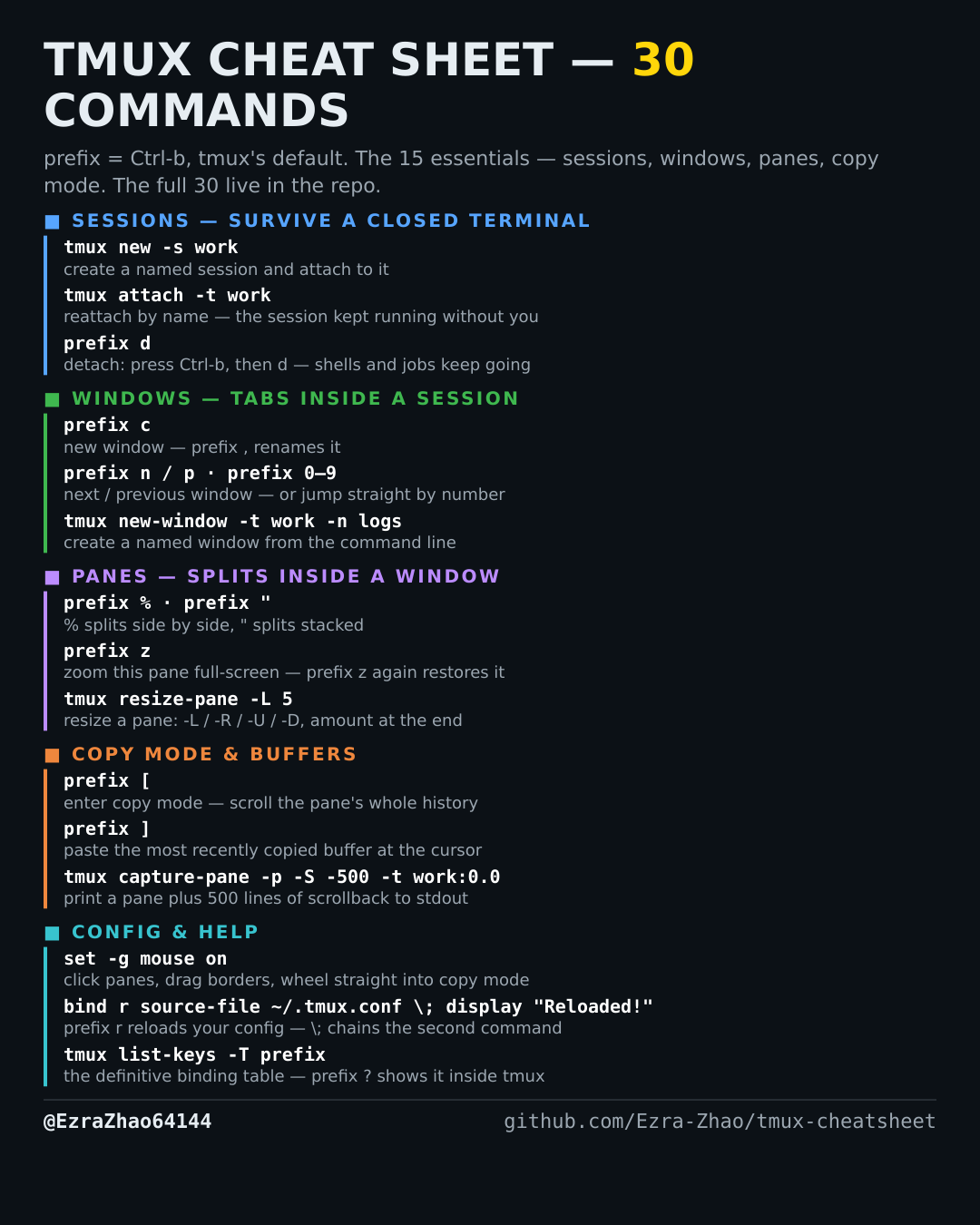
tmux's default prefix is Ctrl-b: “prefix c” means press Ctrl-b, let go, then press c. Every CLI command was run for real against tmux 3.4 in detached test sessions, and every prefix binding was checked against the default binding table.
# prefix x asks "kill-pane? (y/n)"; prefix ! is break-pane
tmux kill-pane -t work:0.1                 # close one pane from the command line
tmux break-pane -s work:0.1                # move pane 1 of window 0 into a NEW window
# ⚠️ killing a pane ends the process running in it; breaking a pane out does not —
# the process keeps running, it just gets a window of its own