Cheatsheet Pages / tmux Cheatsheet
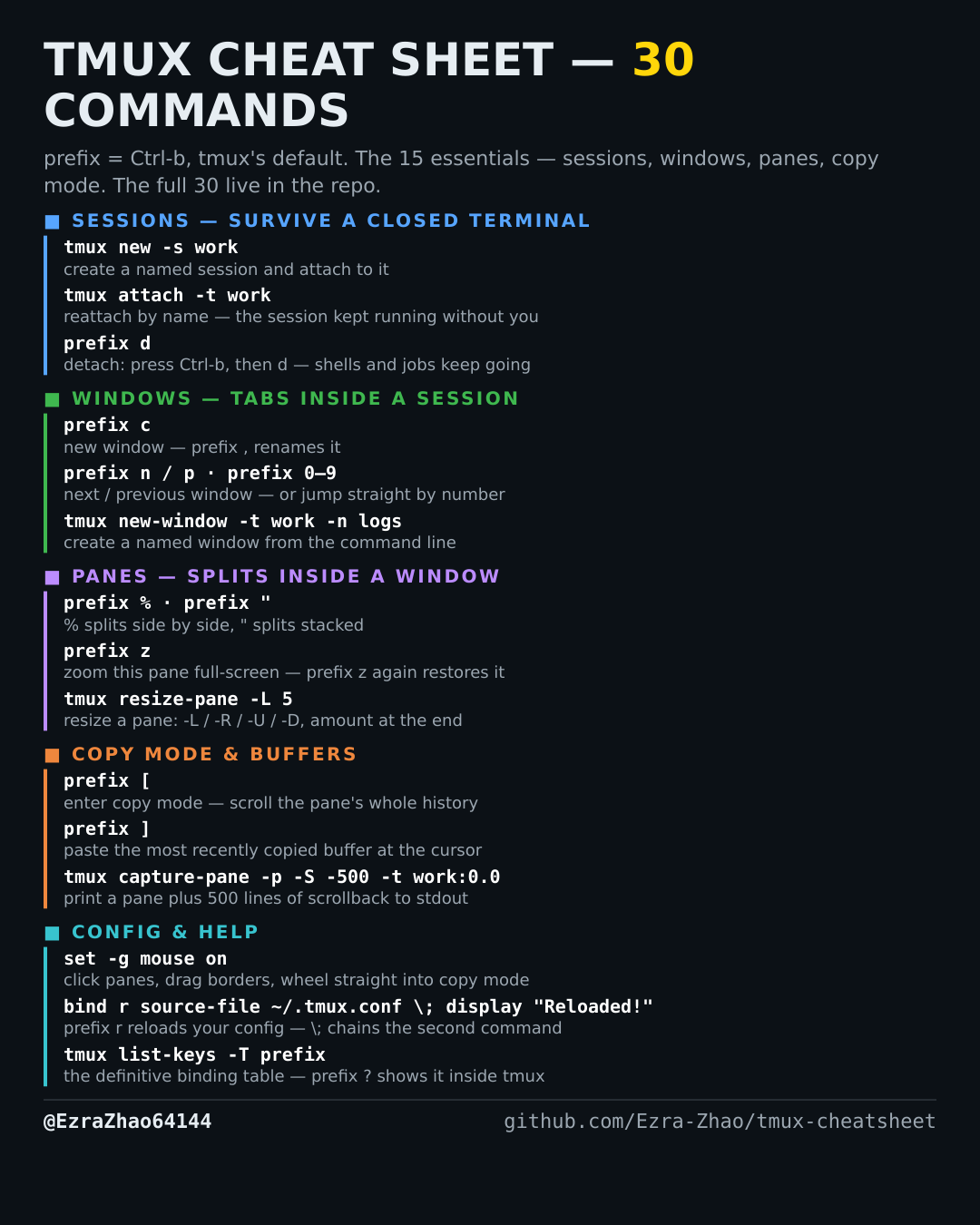
How to turn on tmux mouse support — set -g mouse on
You want to click panes, drag borders to resize, and scroll with the wheel instead of copy mode.
tmux's default prefix is Ctrl-b: “prefix c” means press Ctrl-b, let go, then press c. Every CLI command was run for real against tmux 3.4 in detached test sessions, and every prefix binding was checked against the default binding table.
set -g mouse on
# mouse on gives you: click a pane or window to select it, drag a pane
# border to resize, and scroll the wheel straight into copy mode