Cheatsheet Pages / tmux Cheatsheet
How to move between tmux panes — arrow keys, prefix o, prefix q
The pane you need is on screen but not focused — jump to it without the mouse.
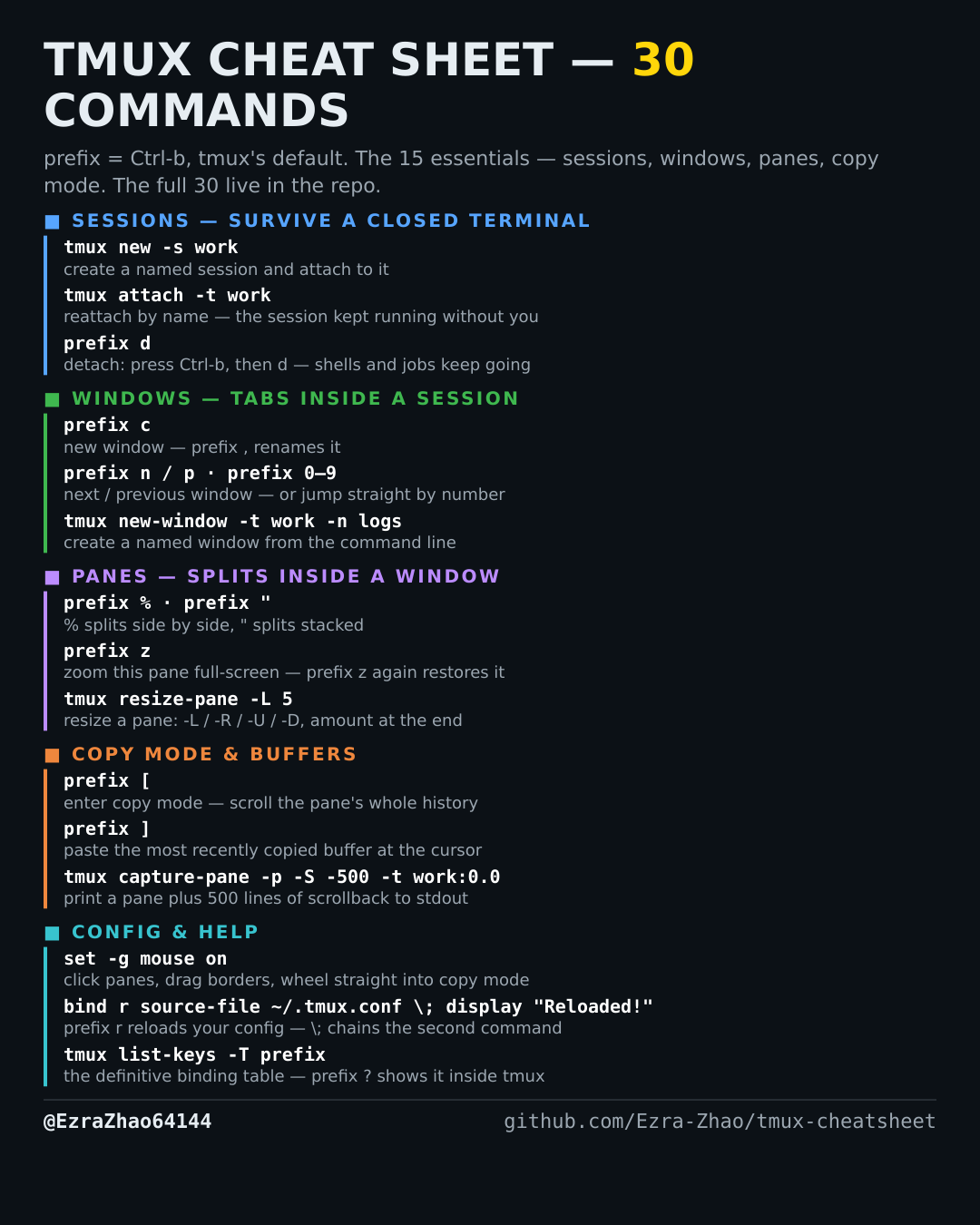
tmux's default prefix is Ctrl-b: “prefix c” means press Ctrl-b, let go, then press c. Every CLI command was run for real against tmux 3.4 in detached test sessions, and every prefix binding was checked against the default binding table.
# prefix ← ↑ ↓ →  → move focus to the pane in that direction
# prefix o        → cycle to the next pane
# prefix q        → flash a number on each pane; press that number to jump there
tmux select-pane -t work:0.1   # focus pane 1 of window 0, from the command line