Cheatsheet Pages / tmux Cheatsheet
How to create a named tmux session — tmux new -s
You want a session with a name you will recognise later, instead of a bare number.
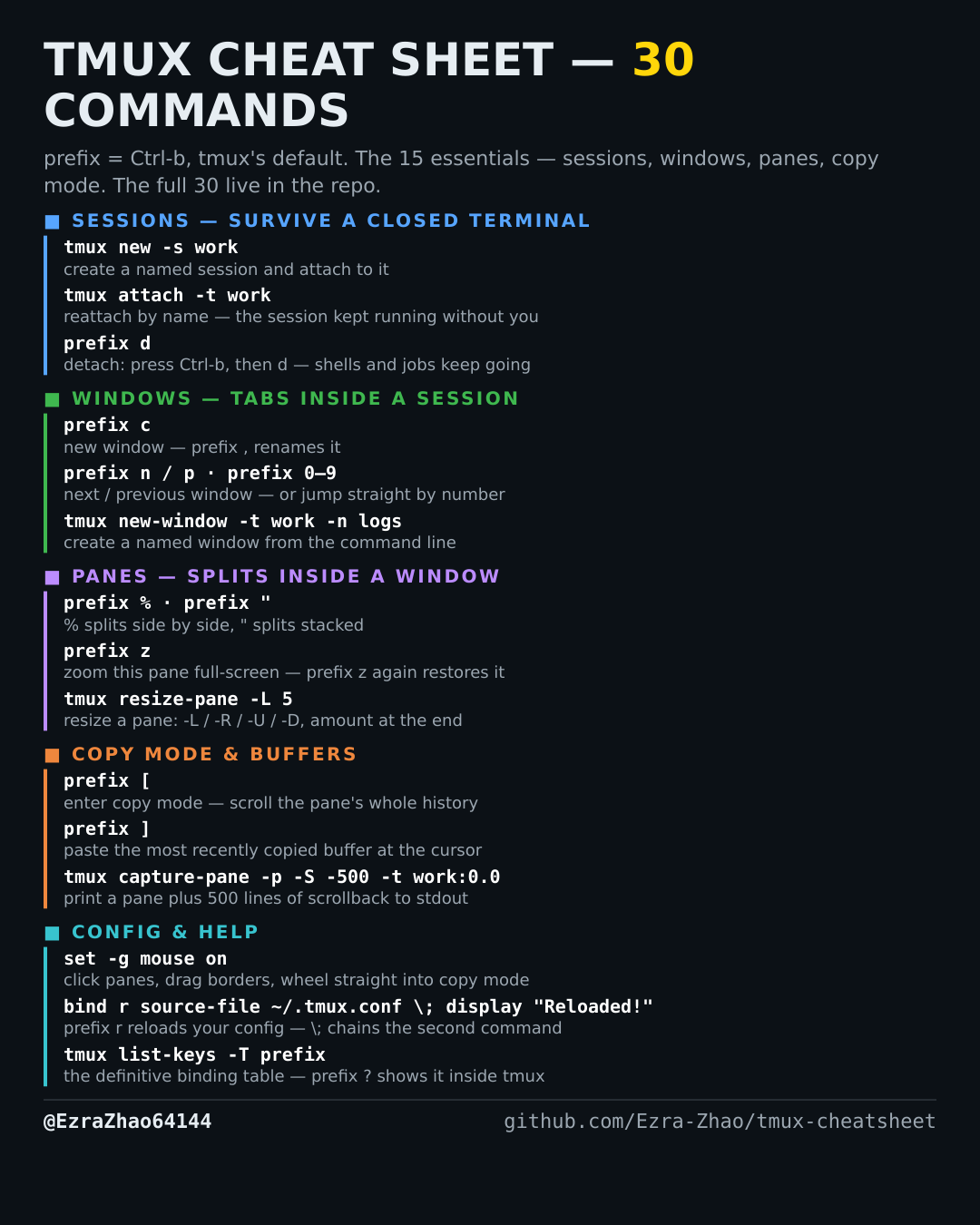
tmux's default prefix is Ctrl-b: “prefix c” means press Ctrl-b, let go, then press c. Every CLI command was run for real against tmux 3.4 in detached test sessions, and every prefix binding was checked against the default binding table.
tmux new -s work        # create a session called "work" and attach to it
tmux new                # unnamed sessions get numbers: 0, 1, 2, ...
Good to know
Named sessions are the whole point — you reattach by name hours later, from any terminal.