Cheatsheet Pages / tmux Cheatsheet
How to paste in tmux — prefix ], and the buffer stack
You copied something in one pane and need it in another — or want to see what buffers tmux is holding.
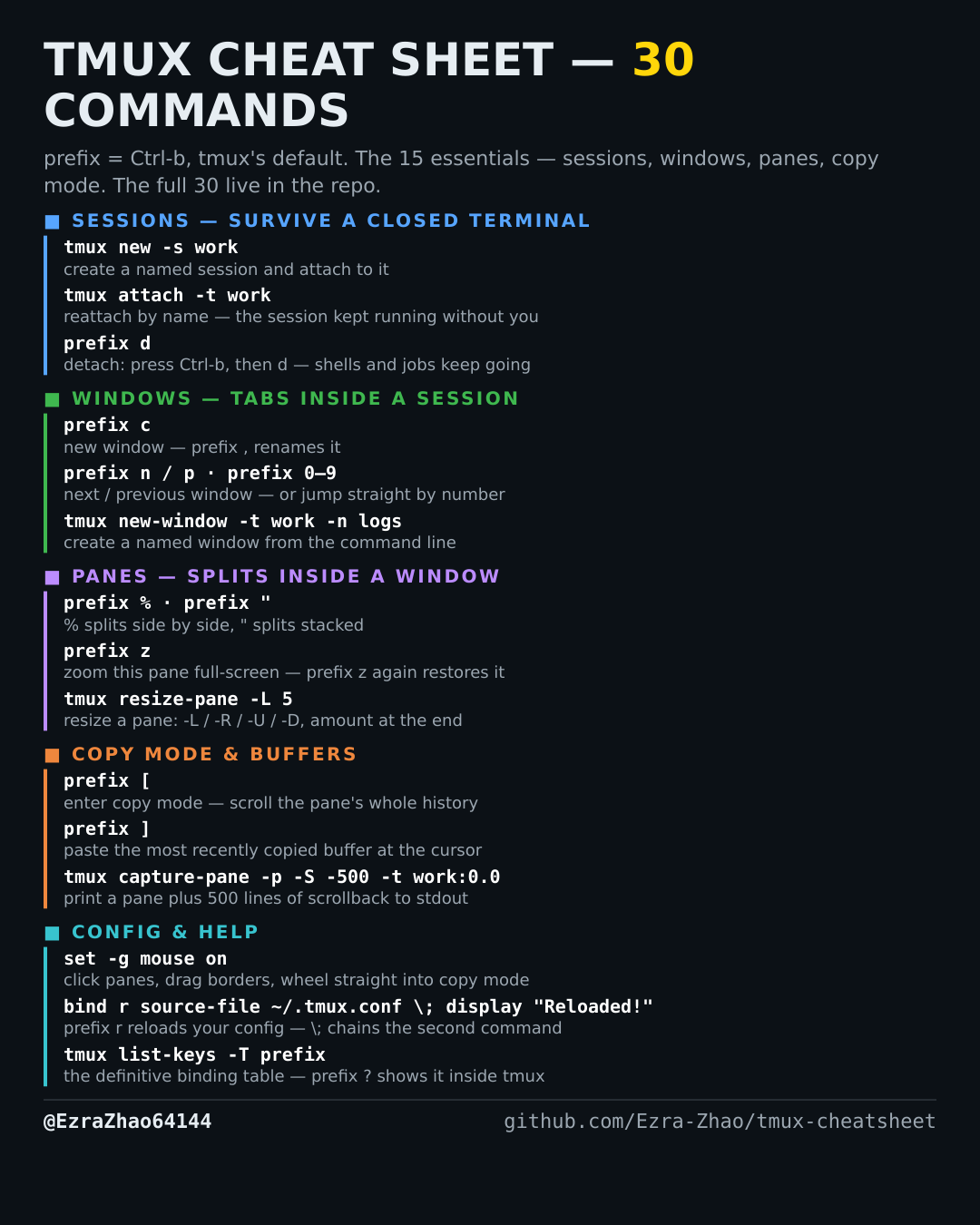
tmux's default prefix is Ctrl-b: “prefix c” means press Ctrl-b, let go, then press c. Every CLI command was run for real against tmux 3.4 in detached test sessions, and every prefix binding was checked against the default binding table.
# inside tmux: prefix ] pastes the most recently copied buffer at the cursor
tmux list-buffers              # show the buffer stack, newest first (buffer0, buffer1, …)
tmux paste-buffer -t work:0.0  # paste the newest buffer into a pane, from the CLI
tmux show-buffer               # print the newest buffer's contents to stdout