Cheatsheet Pages / tmux Cheatsheet
How to resize tmux panes — prefix Alt-arrow, or resize-pane
One pane needs more room — a few lines or a few columns at a time, or by an exact amount from the command line.
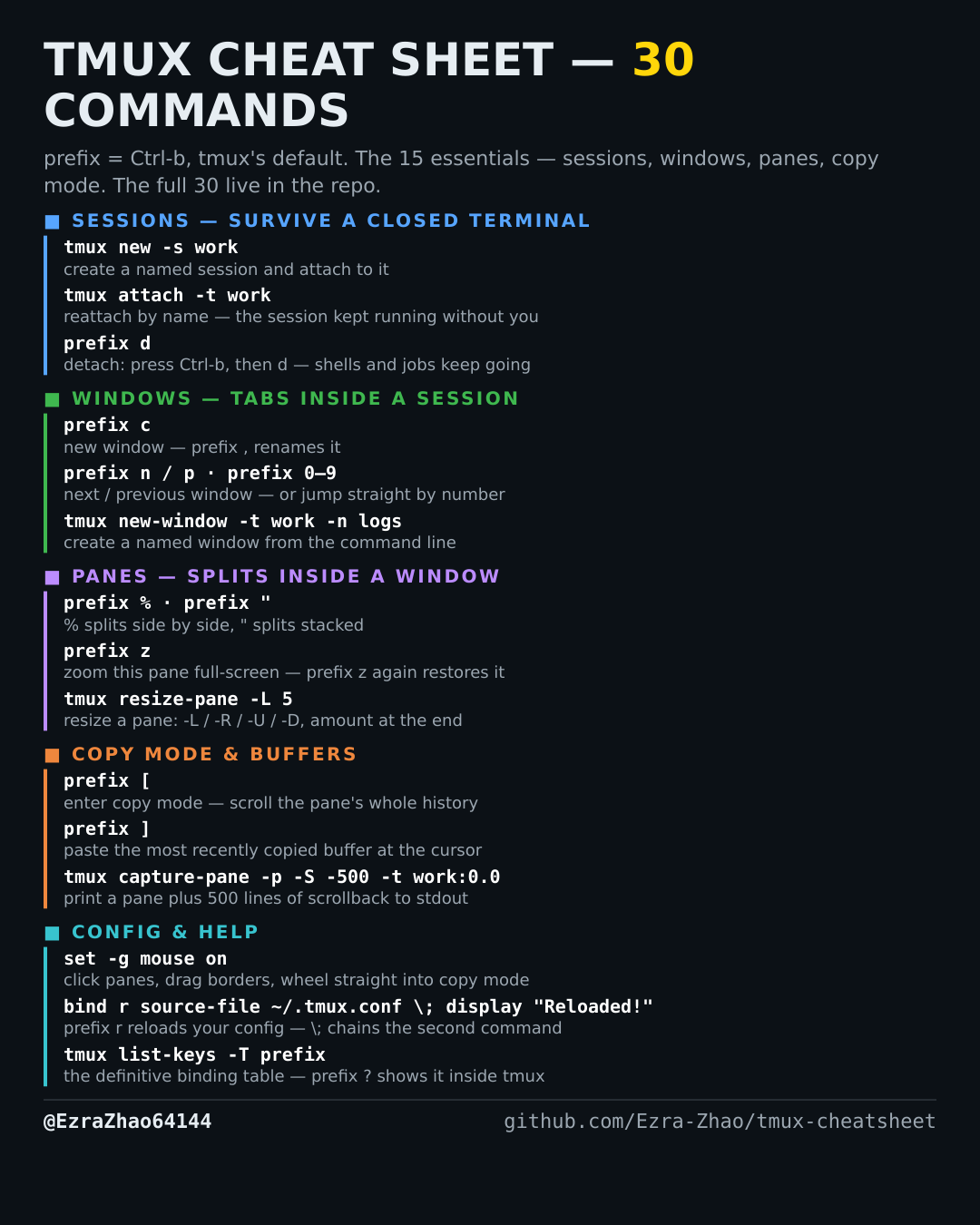
tmux's default prefix is Ctrl-b: “prefix c” means press Ctrl-b, let go, then press c. Every CLI command was run for real against tmux 3.4 in detached test sessions, and every prefix binding was checked against the default binding table.
# prefix Alt-←↑↓→ resizes by 5 cells; prefix Ctrl-←↑↓→ resizes by 1
# (both are repeatable: tap the arrow again without re-pressing the prefix)
tmux resize-pane -L 5   # shrink/grow the pane: -L left, -R right, -U up, -D down,
tmux resize-pane -D 2   # with the amount as the number at the end