Cheatsheet Pages / tmux Cheatsheet
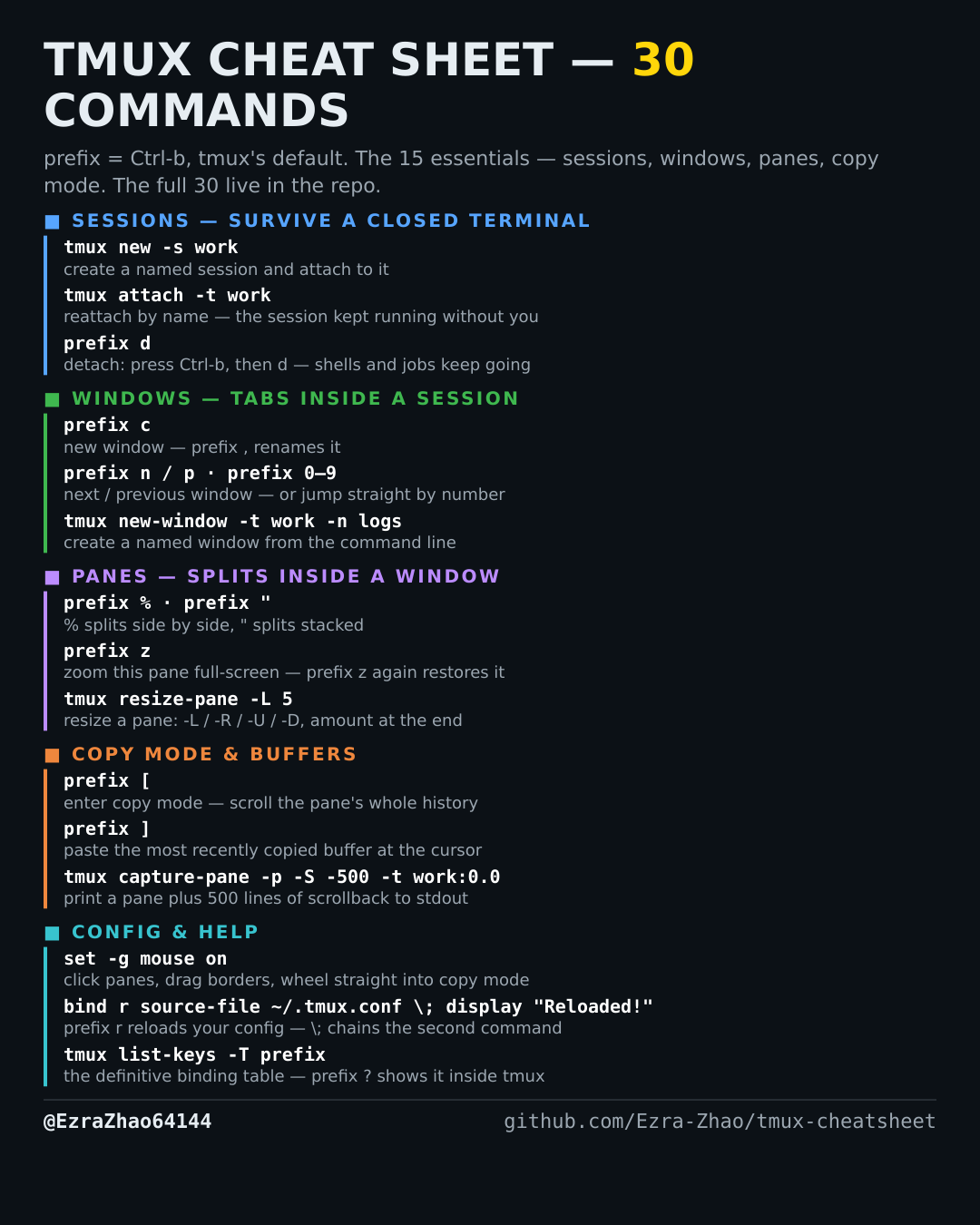
How to split tmux panes — prefix % side-by-side, prefix " top-and-bottom
You want two shells visible at once — logs on one side, the editor on the other.
tmux's default prefix is Ctrl-b: “prefix c” means press Ctrl-b, let go, then press c. Every CLI command was run for real against tmux 3.4 in detached test sessions, and every prefix binding was checked against the default binding table.
# prefix %   → vertical divider: two panes side by side (left | right)
# prefix "   → horizontal divider: two panes stacked (top / bottom)
# memory hook: % has two halves next to each other; " sits on one line,
# so the cut runs along that line and stacks the panes
tmux split-window -h    # the command-line form of prefix %  (-h = side by side)
tmux split-window -v    # the command-line form of prefix "  (-v = stacked)