Cheatsheet Pages / tmux Cheatsheet
How to zoom a tmux pane full-screen (and back) — prefix z
One pane needs your full attention — and full width — for a while, without destroying the layout.
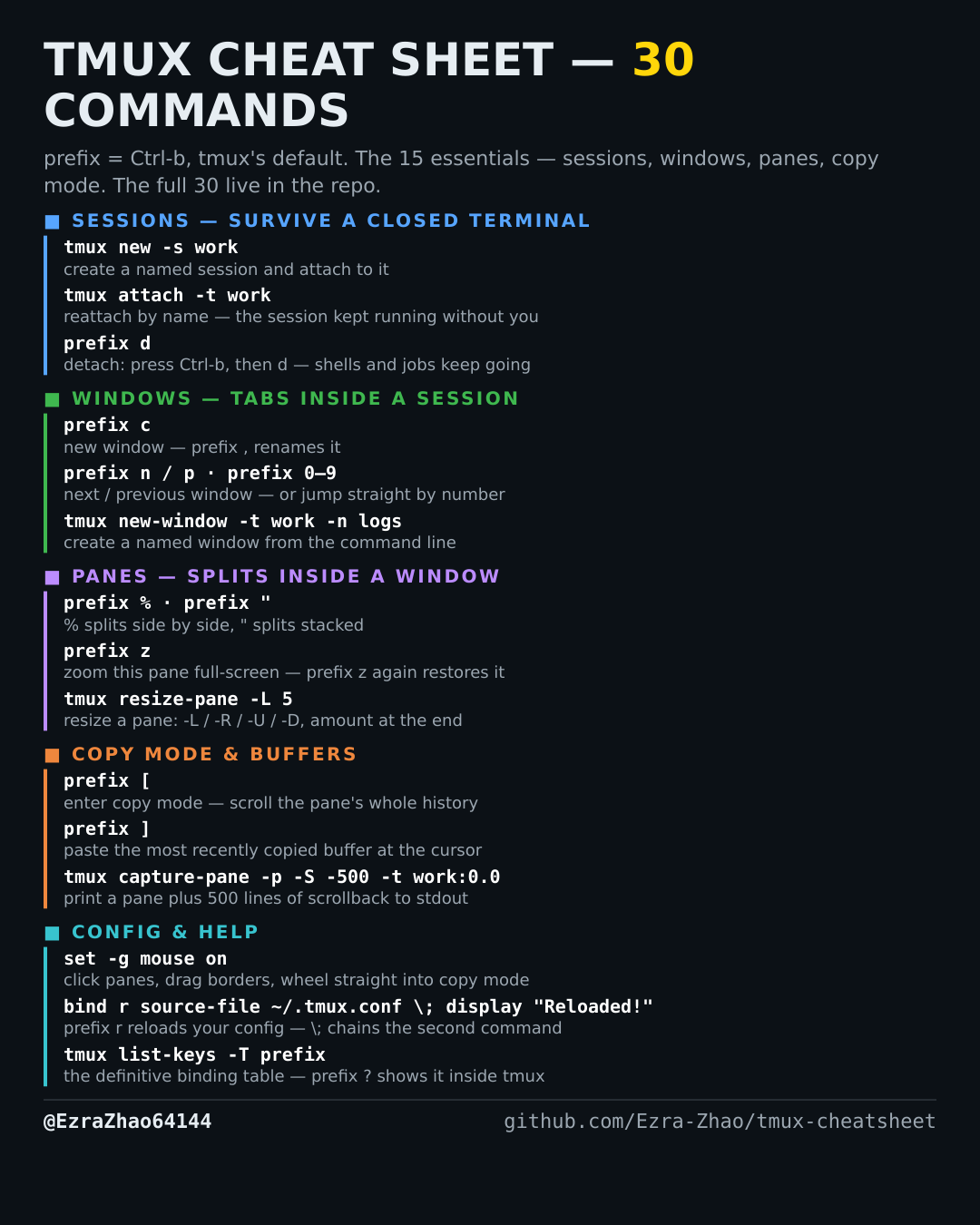
tmux's default prefix is Ctrl-b: “prefix c” means press Ctrl-b, let go, then press c. Every CLI command was run for real against tmux 3.4 in detached test sessions, and every prefix binding was checked against the default binding table.
# prefix z zooms the current pane to fill the whole window; prefix z again restores it
tmux resize-pane -Z -t work:0.1   # the same zoom toggle as a command (-Z)
Good to know
The other panes never close — they hide behind the zoom. A Z in the status line marks a zoomed window.