Cheatsheet Pages / Vim Cheatsheet
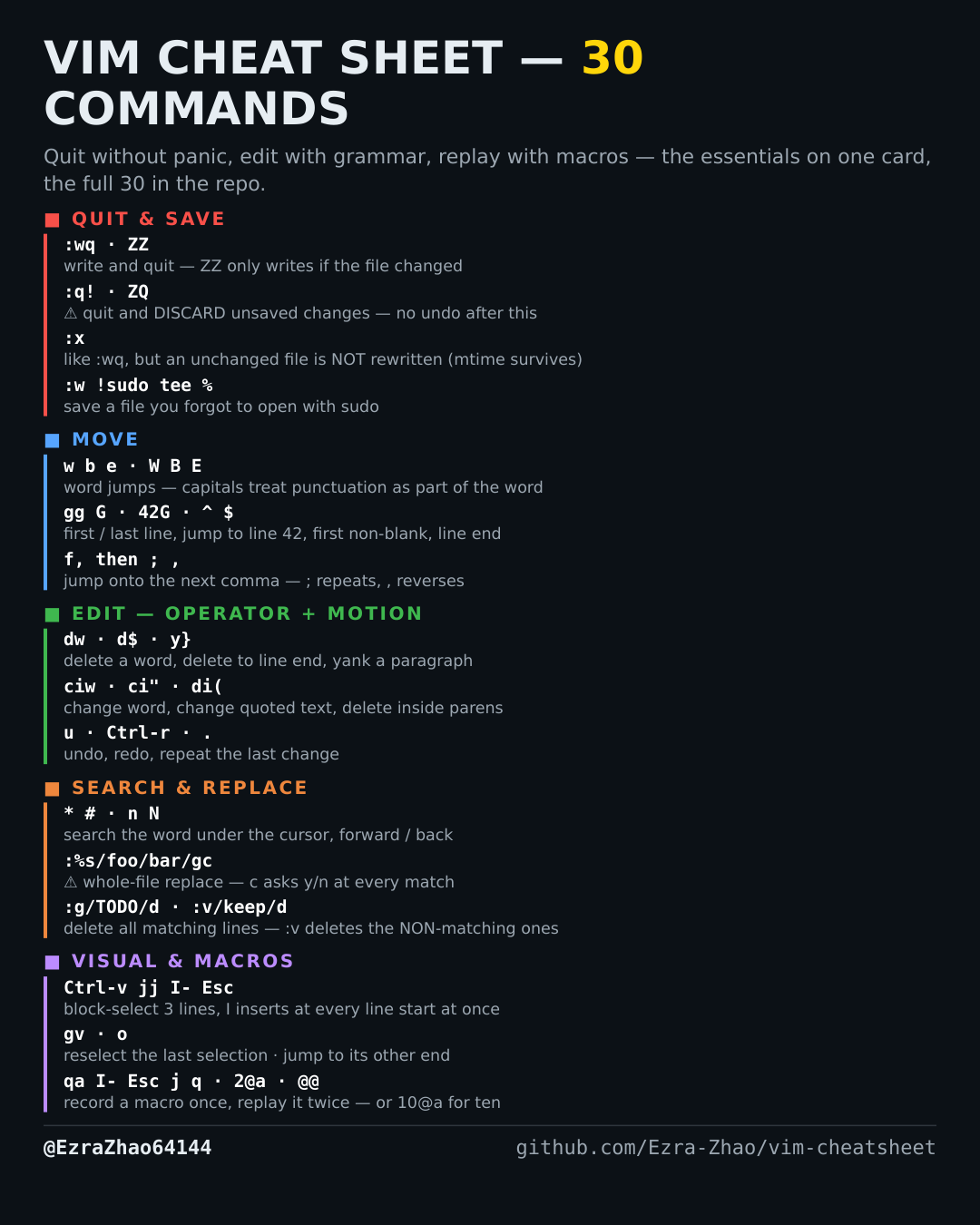
How to jump to a line or line anchor in Vim — 0 ^ $, gg G, :42
You need the start or end of a line, the top or bottom of the file, or one exact line number — now.
Almost every entry was run headless in Vim 9.1 and the resulting file checked; the few entries a tiny build cannot run (system clipboard, persistent undo, the sudo save) were verified against Vim's own documentation instead.
0           " column 1            ^  first non-blank character
$           " end of line
gg          " first line          G  last line
:42         " go to line 42       42G  the same, from normal mode