Cheatsheet Pages / Vim Cheatsheet
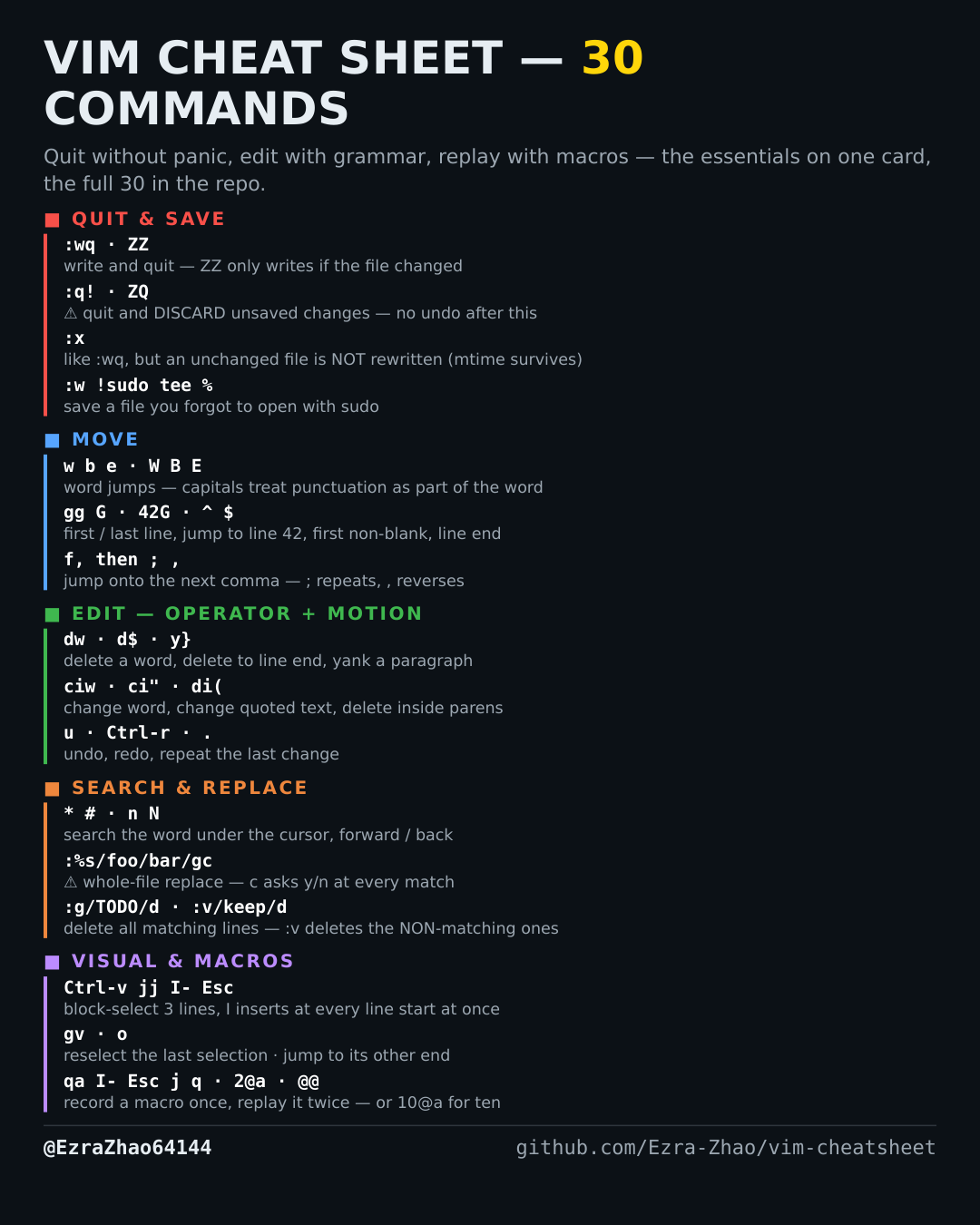
How to record and replay Vim macros — q to record, @ to play
The same fiddly edit is needed on ten more lines — record it once, replay it with a count.
Almost every entry was run headless in Vim 9.1 and the resulting file checked; the few entries a tiny build cannot run (system clipboard, persistent undo, the sudo save) were verified against Vim's own documentation instead.
qa          " start recording into register a (any of a–z)
…do the edit once…
q           " stop recording
@a          " play it back once        @@  play the last-played macro again
10@a        " play it 10 times — the count is how macros pay off
Good to know
A complete, tested example — put - at the start of every line: park the cursor on line 1, then qa, I- , Esc, j, q (recorded: insert - , drop a line). Now 2@a does lines 2–3, 9@a does the next nine lines the same way. Record once, on real text, with the j *inside* the macro so playback walks down the file by itself.