Cheatsheet Pages / Vim Cheatsheet
How to undo, redo and repeat in Vim — u, Ctrl-r and .
You made a change you regret, undid one too many, or want to repeat the last edit somewhere else.
Almost every entry was run headless in Vim 9.1 and the resulting file checked; the few entries a tiny build cannot run (system clipboard, persistent undo, the sudo save) were verified against Vim's own documentation instead.
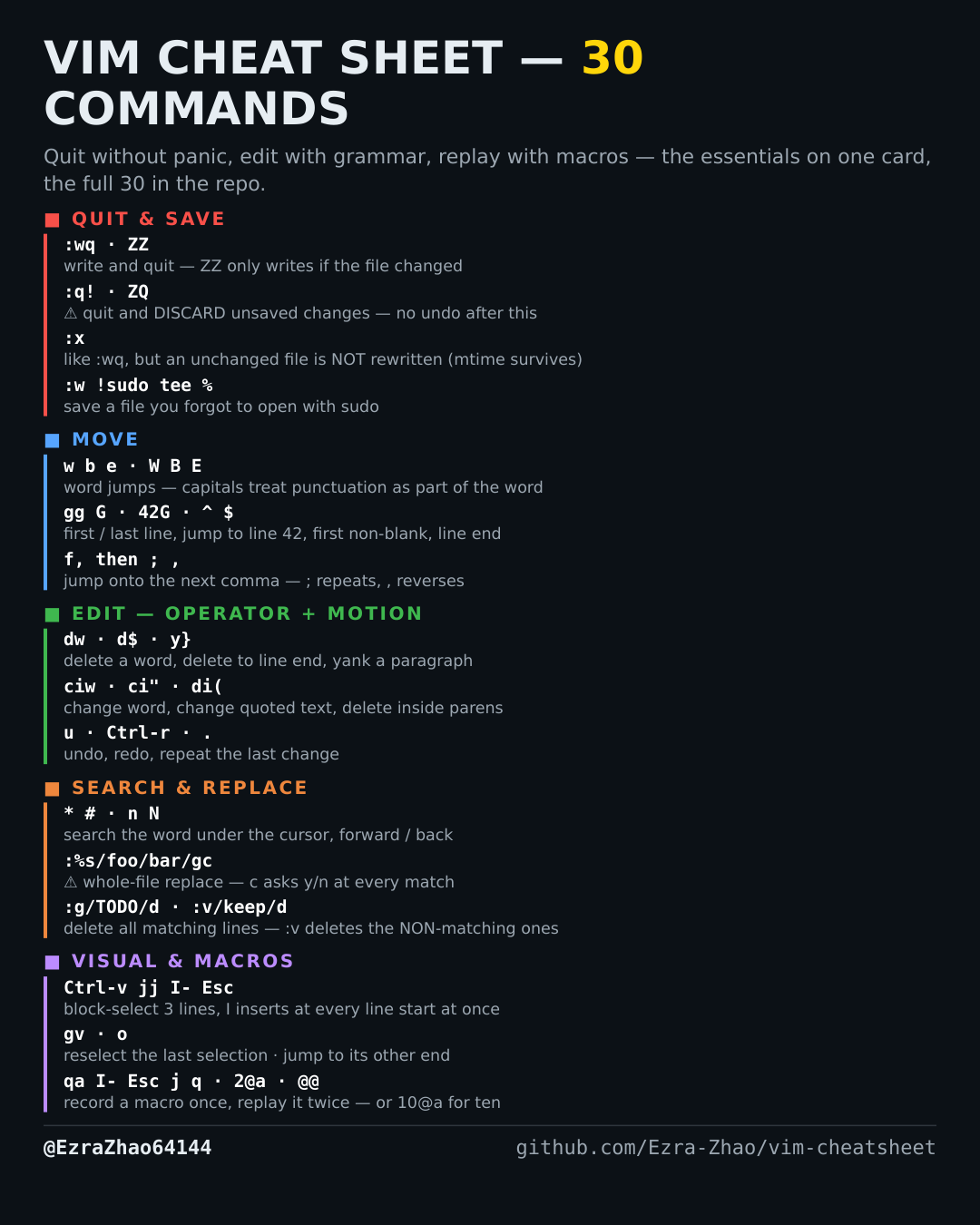
u           " undo the last change         Ctrl-r  redo what undo took back
.           " repeat the last change — after dw, . deletes the next word the same way