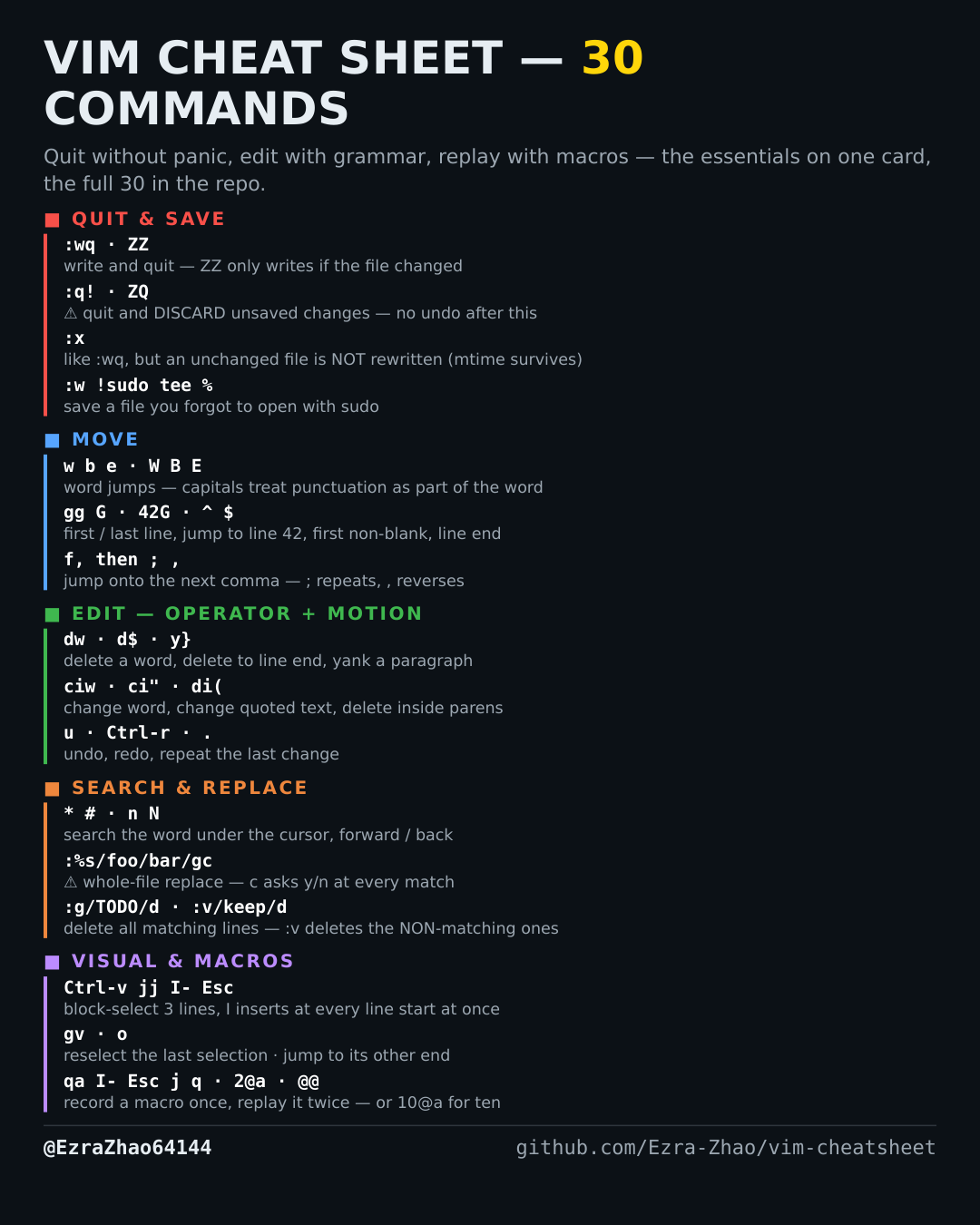
Cheatsheet Pages / Vim Cheatsheet
How to insert the same text on many lines in Vim — Ctrl-v then I, and $ A
A column of lines all need the same prefix — or the same suffix at each line's real end, not the block edge.
Almost every entry was run headless in Vim 9.1 and the resulting file checked; the few entries a tiny build cannot run (system clipboard, persistent undo, the sudo save) were verified against Vim's own documentation instead.
Ctrl-v  j j  I- <Esc>
            " select a block over 3 lines, I inserts "- " at the block's
            " left edge on EVERY line when you press Esc
Ctrl-v  j j  $ A;<Esc>
            " $ extends the block to each line's end, A appends ";" everywhere