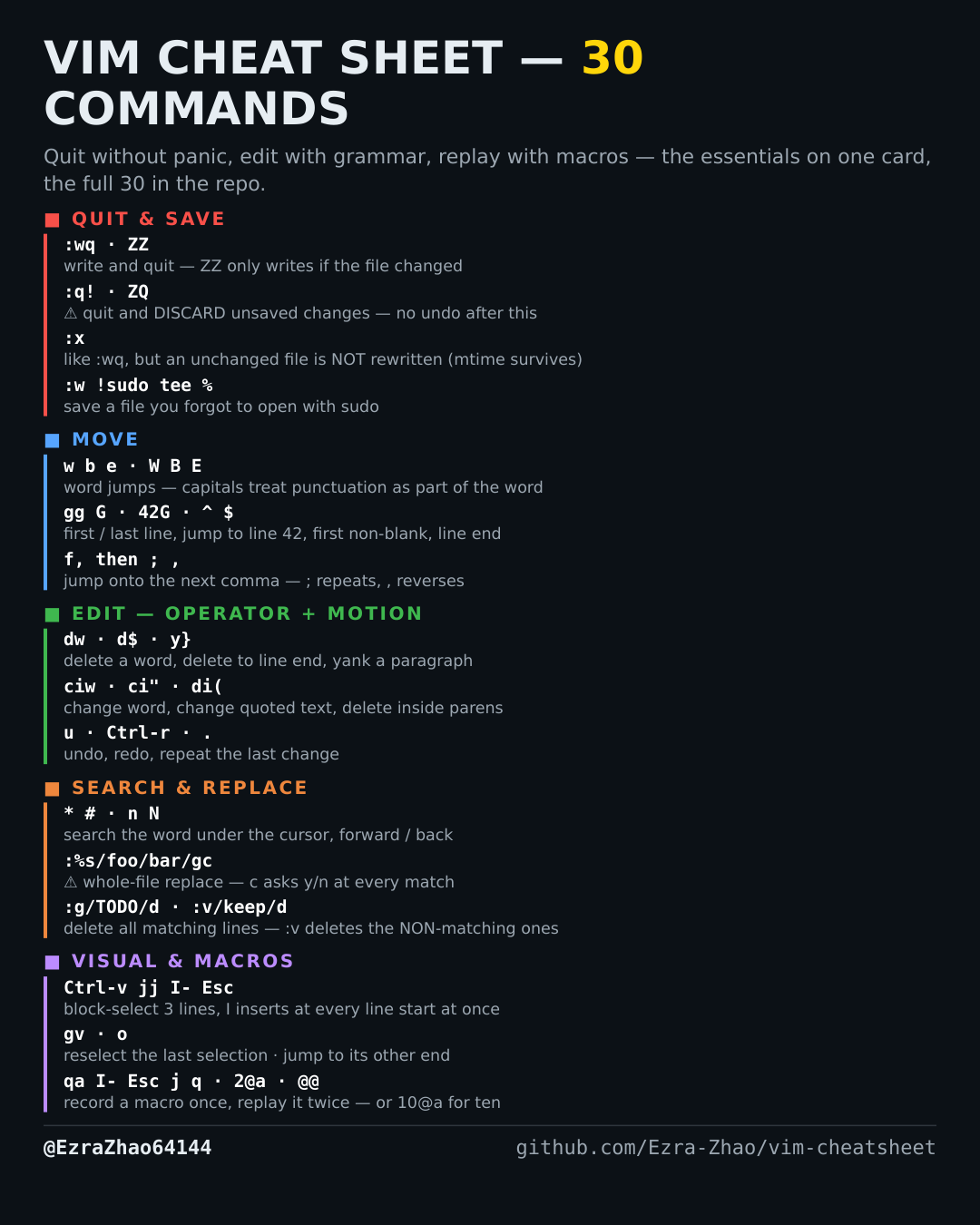
Cheatsheet Pages / Vim Cheatsheet
How to select text in Vim — the three visual modes v, V, Ctrl-v
Selecting by characters, by whole lines, or as a rectangle of text before you cut, copy or change it.
Almost every entry was run headless in Vim 9.1 and the resulting file checked; the few entries a tiny build cannot run (system clipboard, persistent undo, the sudo save) were verified against Vim's own documentation instead.
v           " character-wise selection — then y yanks it, d deletes it, ~ flips case…
V           " LINE-wise selection — whole lines, however far you extend
Ctrl-v      " BLOCK-wise selection — a rectangle across lines (next two entries)