Cheatsheet Pages / Vim Cheatsheet
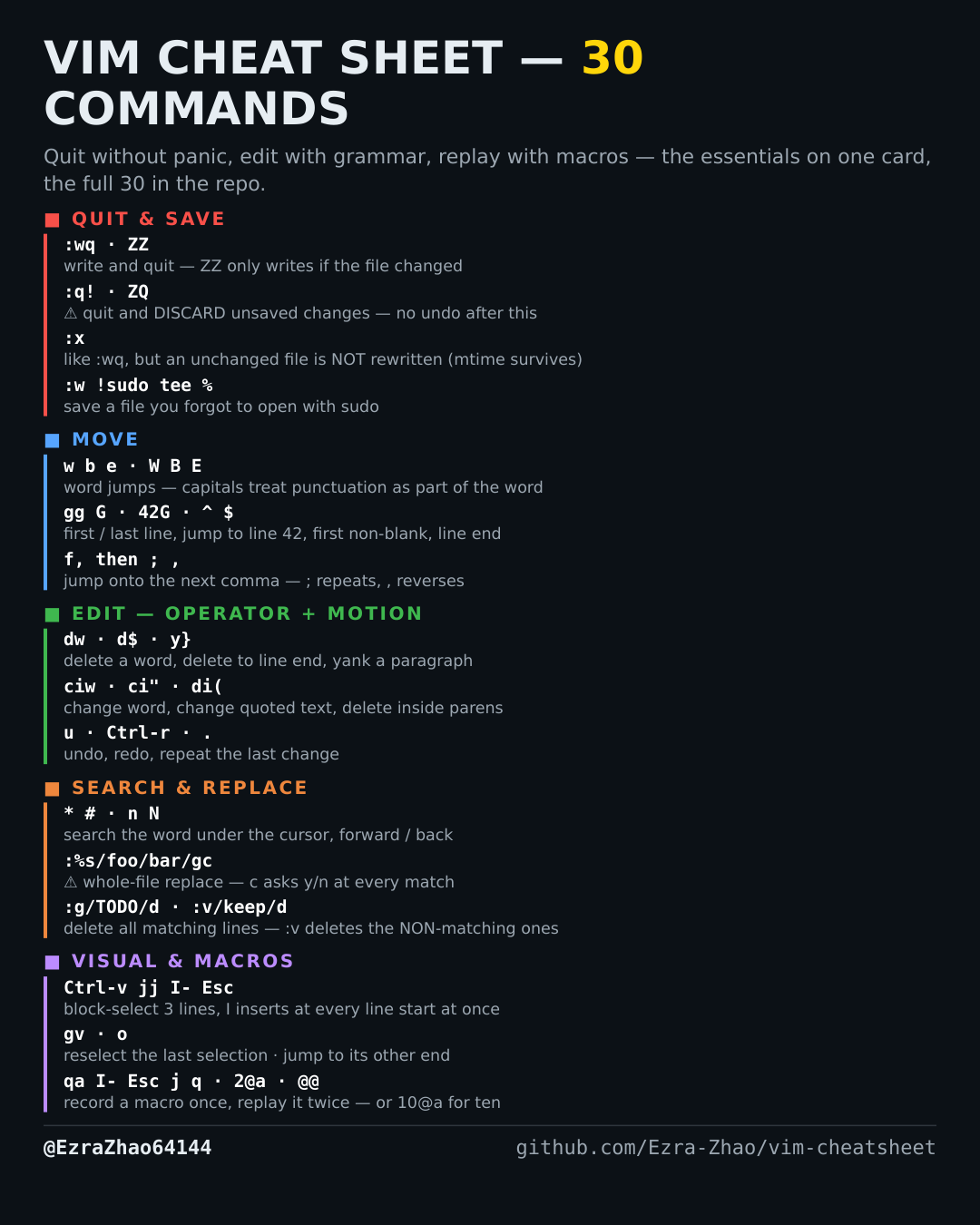
How to quit Vim without touching an unchanged file — :x vs :wq
You opened a file just to look, changed nothing, and do not want its modification time bumped on exit.
Almost every entry was run headless in Vim 9.1 and the resulting file checked; the few entries a tiny build cannot run (system clipboard, persistent undo, the sudo save) were verified against Vim's own documentation instead.
:x          " write ONLY if the buffer was modified, then quit
:wq         " always writes, even if nothing changed
Good to know
The difference is real: on an unmodified file :x leaves the file's modification time untouched, while :wq rewrites it and bumps the mtime (verified by test: the :x file kept its old timestamp, the :wq file did not). Backups, build tools and rsync all key off mtime — prefer :x.